Getting a new Android smartphone is always exciting. With faster processors, brighter displays, improved cameras, and advanced AI features, modern Android devices are more powerful than ever. However, without the right apps, you won’t unlock your phone’s full potential.
The Google Play Store offers millions of apps, but only a small percentage are truly essential for everyday use. Installing the right applications from the beginning helps improve productivity, enhance security, simplify daily tasks, and deliver a smoother overall experience.
In 2026, Android apps are increasingly focused on artificial intelligence, data privacy, cloud integration, and seamless cross-device connectivity. Whether you’re looking for productivity tools, entertainment, or stronger security, there are several app categories that every Android user should consider installing. This guide highlights the most important ones to help you get the most out of your new device.
What Makes an Android App Essential?
Not every popular app deserves a place on your phone. The best Android apps provide real value by improving productivity, protecting your data, optimizing device performance, or making everyday activities more convenient.
A high-quality app should also be developed by a reputable company, receive regular updates, maintain strong user ratings, and have millions of downloads. Security is equally important. Be cautious of apps that request unnecessary permissions, such as access to your contacts, location, microphone, or personal files when those permissions aren’t required for the app’s functionality.
Understanding these criteria makes it easier to distinguish genuinely useful apps from those that simply consume storage, battery life, and system resources.
Essential Android Apps to Install in 2026
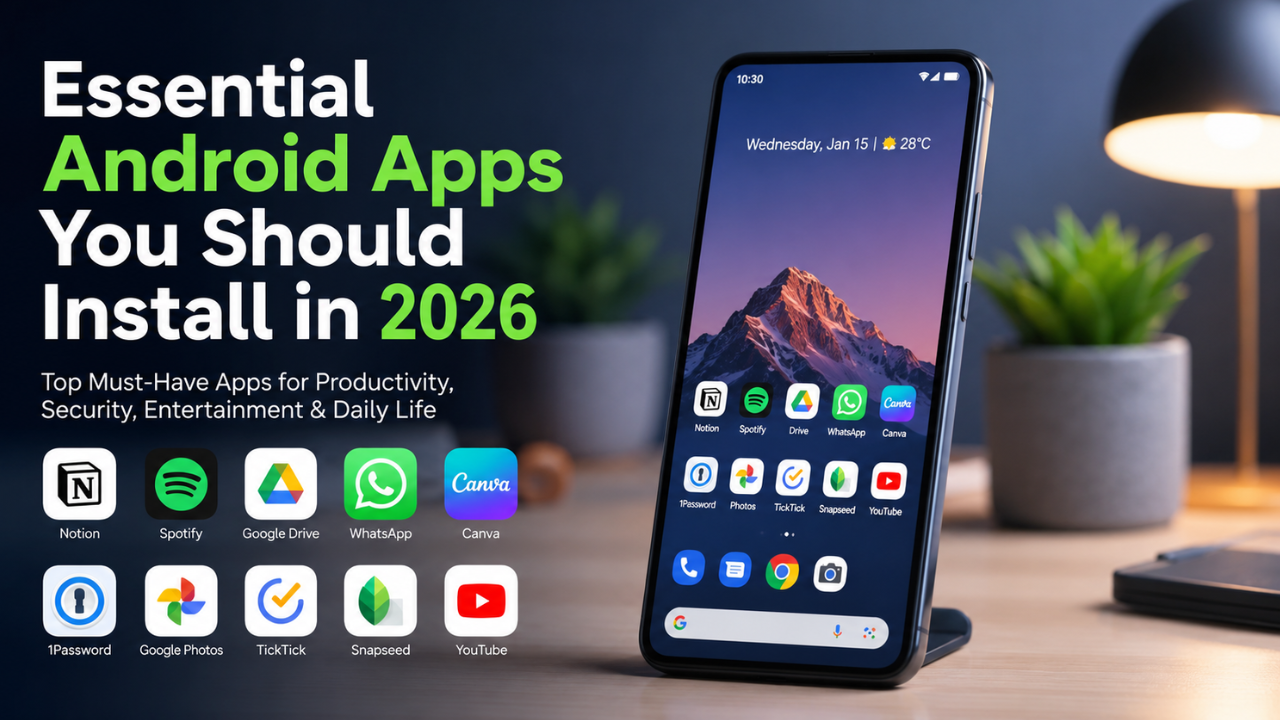
After understanding what makes an app worthwhile, let’s explore the categories every Android user should prioritize. These recommendations are based on functionality, security, convenience, and the evolving needs of modern smartphone users.
1. Security & Privacy Apps
Security should always be your first priority.
The first app you should enable is Google Find My Device. It allows you to locate a lost phone, lock it remotely, display a custom message, or erase your data if the device cannot be recovered. Despite its importance, many users never activate it.
For additional protection, consider installing trusted mobile security apps such as:
- Bitdefender Mobile Security
- Avast Mobile Security
- Kaspersky Mobile Security
These apps protect against malware, spyware, phishing attacks, and suspicious applications while monitoring potential security threats.
Account protection is equally important. Use authenticator apps such as:
- Google Authenticator
- Authy
These apps enable two-factor authentication (2FA), making it significantly harder for attackers to access your email accounts, banking apps, digital wallets, or social media profiles.
2. Productivity & Cloud Storage Apps
Cloud storage has become essential for both personal and professional use.
Applications like:
- Google Drive
- Dropbox
- Microsoft OneDrive
allow you to securely store documents, photos, and files while synchronizing them across your smartphone, tablet, and computer.
To stay organized, productivity apps such as:
- Notion
- Evernote
- Microsoft To Do
help you manage notes, projects, daily tasks, and collaborative workspaces.
If you regularly create presentations or marketing materials, tools like Canva and Adobe Express offer thousands of professionally designed templates for social media, business presentations, and promotional content.
Together, cloud storage and productivity apps allow you to work efficiently from virtually anywhere.
3. Communication Apps
Communication extends far beyond simple messaging.
Popular messaging platforms include:
- Telegram
- Signal
All three provide end-to-end encryption for secure conversations, while Telegram offers larger group support and generous file-sharing capabilities.
For email management, Gmail and Microsoft Outlook remain industry standards. Their integration with calendars and cloud storage helps you organize meetings, appointments, and important documents in one place.
If you frequently attend virtual meetings, install one or more of these applications:
- Zoom
- Google Meet
- Microsoft Teams
These platforms are optimized for mobile devices and offer adaptive video quality to reduce data usage while maintaining reliable communication.
4. Social Media & Entertainment Apps
Social media continues to play a major role in personal communication and digital marketing.
Essential platforms include:
- TikTok
- Threads
These apps are ideal for sharing content, building your personal brand, staying informed about trends, or promoting your business.
For entertainment, consider installing:
- YouTube
- Spotify
- Netflix
YouTube offers educational and entertainment content, Spotify provides millions of songs and podcasts, while Netflix delivers premium movies and TV series.
Community-driven platforms like Reddit and Quora are also excellent for learning, asking questions, and participating in discussions with users worldwide.
To maintain a healthy balance between productivity and entertainment, take advantage of Android’s built-in Digital Wellbeing features to monitor and limit screen time.
5. Web Browsers & Internet Utilities
Your browsing experience depends heavily on the browser you choose.
Popular options include:
- Google Chrome
- Mozilla Firefox
- Brave Browser
While Chrome offers seamless Google account synchronization, Firefox and Brave prioritize user privacy with advanced tracking protection and built-in ad blocking.
For additional online security, install:
- 1.1.1.1 by Cloudflare
- VPN by Google One (where available)
These services encrypt internet traffic and provide additional protection when using public Wi-Fi networks in airports, hotels, cafes, or other shared locations.
6. File Management & Device Maintenance Apps
As storage fills up, Android performance may gradually decline.
Files by Google helps free up storage by removing duplicate files, temporary cache, and unnecessary downloads. It also supports fast offline file sharing between Android devices.
For more advanced maintenance, apps like:
- SD Maid
- CCleaner
can remove leftover application files and monitor storage health.
Regular maintenance helps improve device performance while extending the lifespan of your smartphone.
7. Camera & Photo Editing Apps
Professional-quality content no longer requires expensive equipment.
Popular photo editing apps include:
- Snapseed
- Adobe Lightroom Mobile
- VSCO
These applications provide advanced editing features including color correction, exposure adjustments, RAW editing, and professional presets.
For video editing, many creators rely on:
- CapCut
- VN Video Editor
These editors include AI-powered tools such as automatic captions, portrait enhancement, stabilization, background removal, and color grading.
Whether you’re creating social media content or professional marketing videos, these apps deliver impressive results directly from your phone.
8. Transportation & Lifestyle Apps
Transportation apps have evolved into complete lifestyle platforms.
Popular services include:
- Uber
- Lyft
- Grab
- Gojek
Depending on your region, these apps provide ride-hailing, food delivery, package delivery, and digital payment services.
For travel planning, apps like Booking.com, Airbnb, Trip.com, and Expedia simplify hotel reservations, flights, and vacation planning.
Having these apps installed makes daily travel faster, more convenient, and more efficient.
9. Banking & Digital Wallet Apps
As cashless payments continue to grow, financial apps have become indispensable.
Popular digital wallets vary by country but may include:
- Google Wallet
- PayPal
- Apple Pay (for cross-platform users)
- Local banking wallets
Install your bank’s official mobile banking application to manage:
- Account balances
- Transfers
- Bill payments
- Investment accounts
- Card management
Enable biometric authentication whenever possible to enhance account security.
Many banking apps also include budgeting tools that help you monitor monthly spending and manage your finances more effectively.
10. Backup & Device Utility Apps
Protecting your data should never be an afterthought.
Backup solutions such as:
- Google Photos
- Google One
- Samsung Cloud
- Smart Switch
automatically back up photos, contacts, videos, and important documents to the cloud.
To maintain battery health, install utilities like:
- AccuBattery
- Battery Guru
These apps monitor charging habits, battery wear, temperature, and charging efficiency, helping extend your battery’s lifespan over time.
Combining automatic backups with battery management ensures your Android device remains reliable for years.
Tips for Choosing Safe and Efficient Android Apps
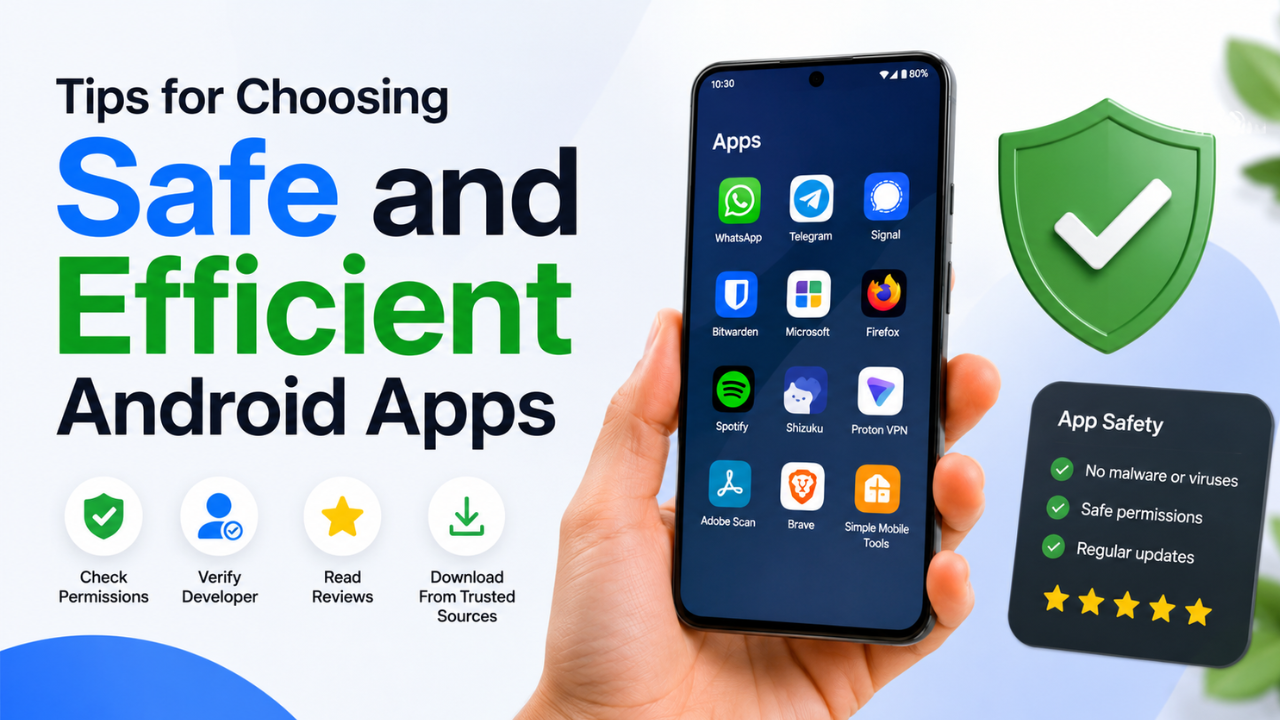
Before installing any application, review its ratings and user feedback on the Google Play Store. Avoid apps requesting unnecessary permissions that aren’t related to their core functionality.
Choose applications that receive regular updates, as active development usually means better security, improved performance, and ongoing bug fixes.
If your device has limited storage or RAM, consider installing Lite versions of popular apps whenever available. Finally, keep Android itself updated to benefit from the latest security patches and performance improvements.
Common Mistakes When Installing Android Apps
One of the biggest mistakes users make is installing too many applications. Excessive apps consume storage, increase battery usage, and may slow overall system performance.
Another common issue is approving every permission request without reviewing it carefully. This can expose sensitive information to unnecessary privacy risks.
Avoid downloading APK files from unofficial websites, as they may contain malware, spyware, or modified software designed to steal personal information.
For the safest experience, download apps exclusively from the Google Play Store or other trusted sources recommended by your device manufacturer.
Remember: a well-organized smartphone with fewer, higher-quality apps usually performs better than one overloaded with unnecessary software.
Enhance Your Android Experience with Quality Accessories
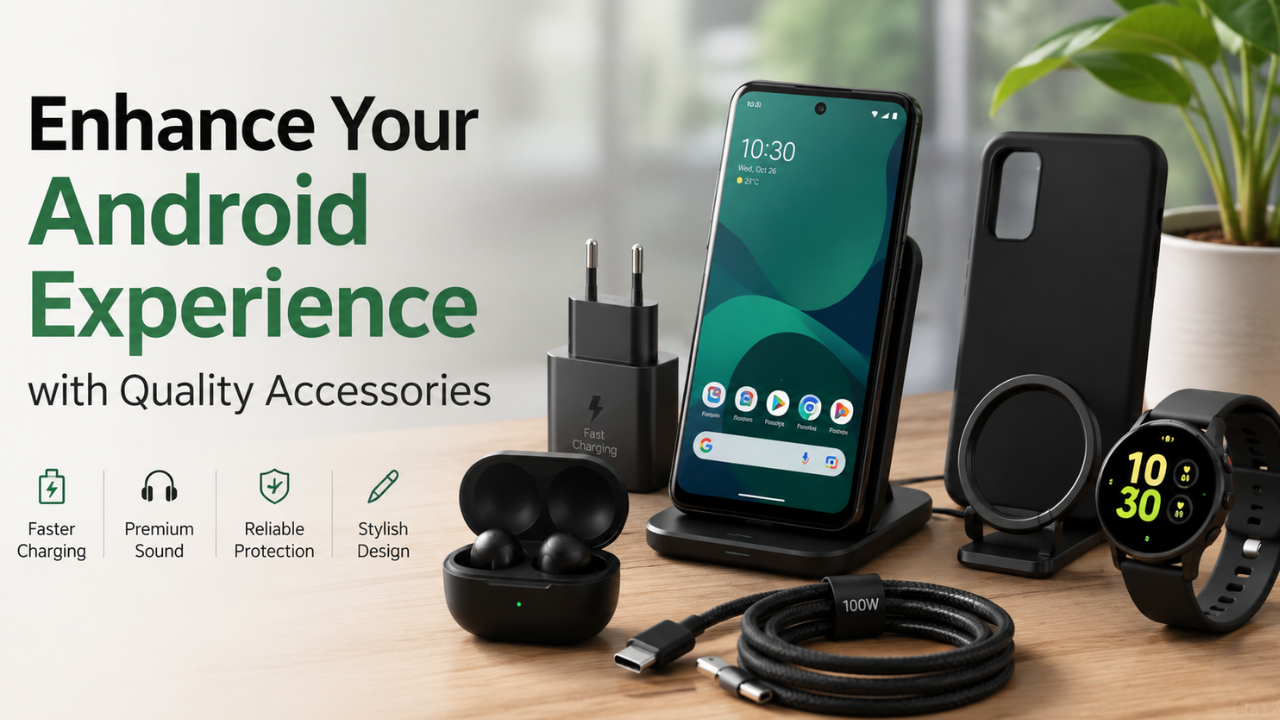
The right accessories can significantly improve your Android experience.
Consider investing in high-quality products such as:
- Fast chargers
- USB-C cables
- Wireless chargers
- Power banks
- Protective cases
- Screen protectors
- Wireless earbuds
- Car mounts
Whenever possible, choose original accessories or products from reputable manufacturers to ensure compatibility, faster charging, better durability, and enhanced safety.
By combining the right apps with reliable accessories, your Android smartphone will remain fast, secure, and ready to support your daily work, entertainment, and communication throughout 2026.