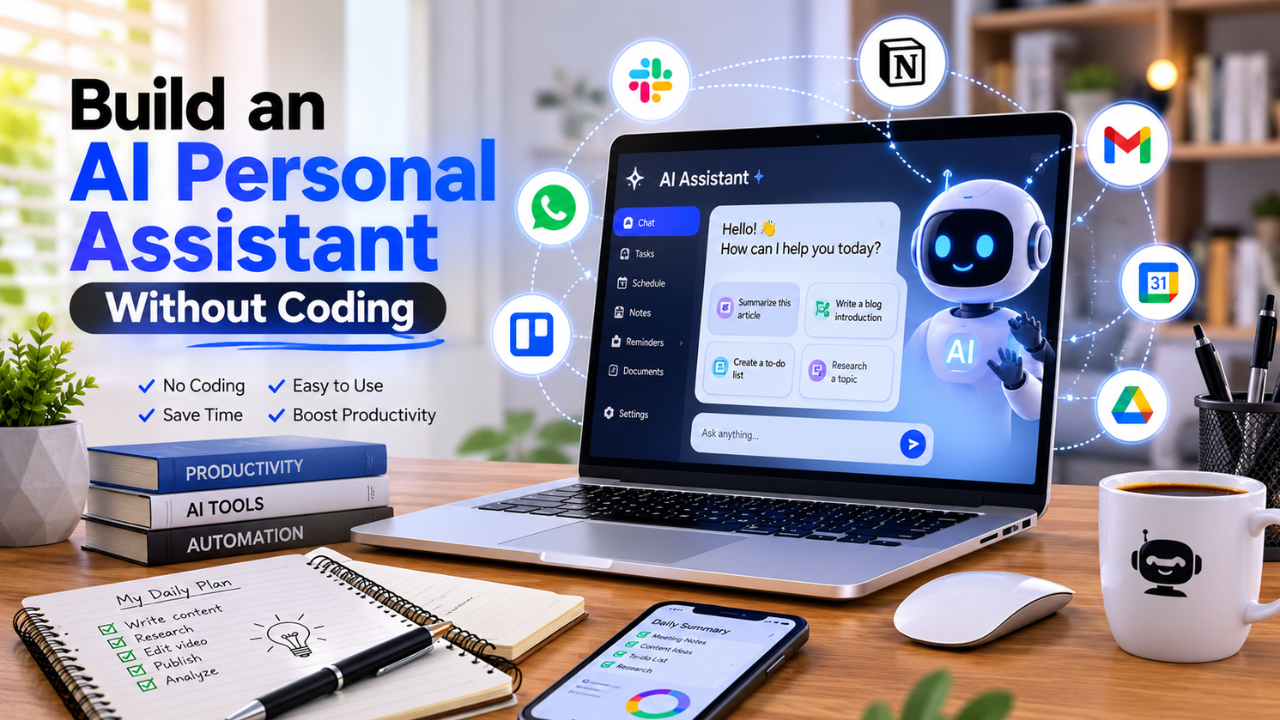
You don’t need programming skills to build an AI personal assistant. With today’s no-code automation platforms and AI tools, anyone can create a virtual assistant that manages emails, schedules tasks, answers questions, summarizes documents, and automates repetitive work in just a few hours.
What is a No-Code AI Personal Assistant?
A no-code AI personal assistant is an automated digital assistant built using visual automation platforms instead of programming languages. It combines artificial intelligence with workflow automation to perform everyday tasks such as answering emails, organizing calendars, managing documents, generating content, sending reminders, and connecting different applications.
Unlike traditional software development, no-code platforms allow users to build workflows using drag-and-drop interfaces and pre-built integrations. This makes AI automation accessible to entrepreneurs, freelancers, marketers, students, and small business owners who want to improve productivity without learning to code.
Modern AI assistants can connect with email services, messaging apps, cloud storage, spreadsheets, customer databases, and hundreds of other tools, creating an efficient workflow that saves time and reduces repetitive work.
Main Benefits of a No-Code AI Personal Assistant
Building your own AI assistant offers several practical advantages.
- Automate repetitive daily tasks.
- Save hours every week.
- Reduce manual data entry.
- Improve productivity without hiring additional staff.
- Respond to customer inquiries more quickly.
- Organize notes, files, and documents automatically.
- Manage schedules and reminders efficiently.
- Connect multiple applications into one workflow.
- Minimize human error in routine processes.
- Scale personal or business operations with minimal effort.
Complete Guide to Building an AI Personal Assistant
Preparation
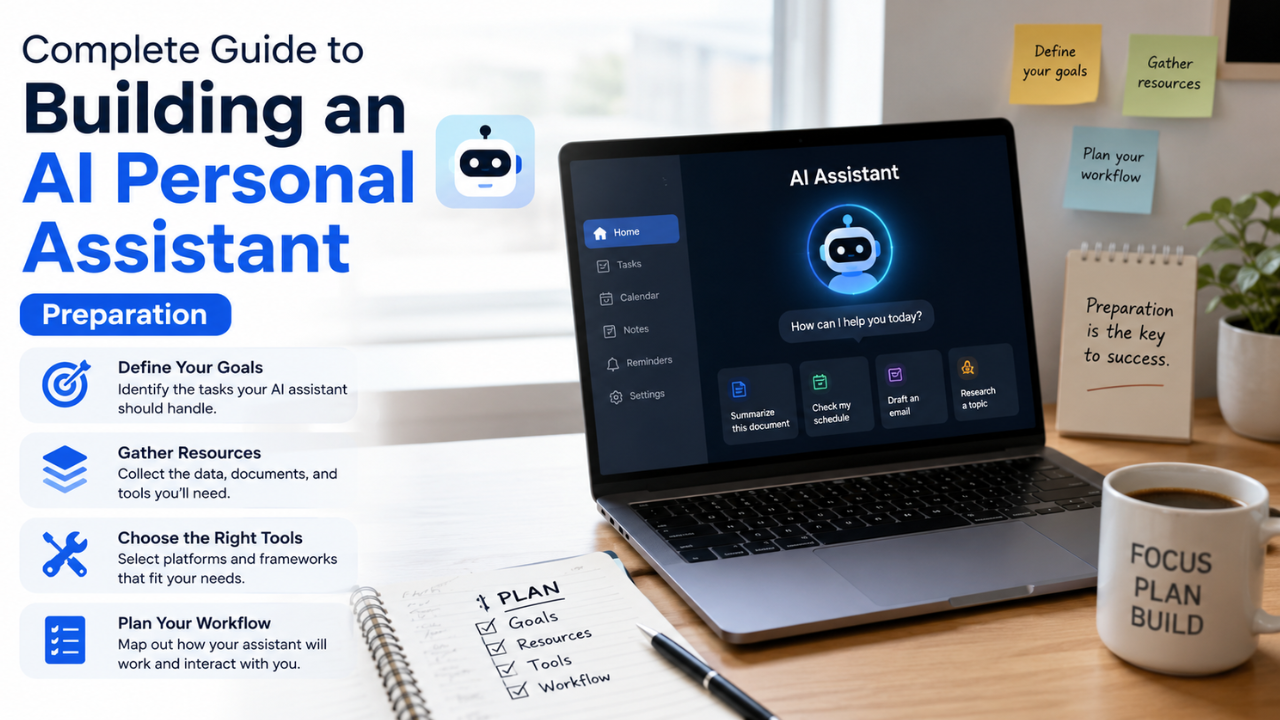 Before creating your assistant, identify which tasks consume the most time each day.
Ask yourself:
- Which tasks do I repeat every day?
- Which activities could be automated?
- Which apps do I use regularly?
- What information do I frequently search for?
- Which notifications or reminders would be helpful?
Common automation opportunities include:
- Email management
- Calendar scheduling
- Meeting summaries
- Task reminders
- Content generation
- Social media scheduling
- Customer support
- Document organization
- Spreadsheet updates
- File backups
Next, choose a no-code automation platform that supports the applications you already use.
The Main Process
1. Choose Your AI Platform
Start with an AI model capable of understanding natural language and generating useful responses.
An AI assistant can help with:
- Answering questions
- Writing emails
- Summarizing documents
- Generating reports
- Creating content
- Brainstorming ideas
Choose a solution that integrates easily with your preferred automation platform.
2. Select a No-Code Automation Platform
No-code automation platforms connect your favorite applications without requiring programming.
Typical integrations include:
- Gmail
- Google Calendar
- Slack
- Microsoft Teams
- Google Drive
- Dropbox
- Notion
- Trello
- Airtable
- CRM systems
Using visual workflow builders, you can define triggers and actions such as:
“When a new email arrives, summarize it and send the summary to my messaging app.”
3. Define Your Workflows
Break large processes into smaller automation steps.
Example workflow:
- Receive an email.
- AI analyzes the content.
- Extract key information.
- Categorize the message.
- Save the summary.
- Create a task if action is required.
- Send a notification.
Keeping workflows simple makes them easier to maintain and expand.
4. Add Smart Decision Rules
A useful AI assistant doesn’t just automate—it also makes basic decisions.
Examples include:
- Prioritize urgent emails.
- Route customer requests to the correct department.
- Schedule reminders based on deadlines.
- Flag invoices for approval.
- Organize files by category.
- Detect duplicate information.
Decision rules make your assistant more helpful without increasing complexity.
5. Connect Your Daily Apps
Most productivity gains come from connecting the tools you already use.
Examples include:
- Email → Task Manager
- Calendar → Reminder App
- Forms → Spreadsheet
- CRM → Email Marketing
- AI → Knowledge Base
- Documents → Cloud Storage
The more connected your workflow becomes, the less manual work you perform.
6. Test Every Workflow
Before relying on automation, test every scenario.
Check:
- Trigger accuracy.
- AI response quality.
- File organization.
- Notification delivery.
- Error handling.
- Duplicate prevention.
Small tests help identify issues before they affect your daily work.
7. Improve Continuously
Automation is rarely perfect on the first attempt.
Review:
- Failed workflows.
- Slow processes.
- Repetitive approvals.
- User feedback.
- AI response accuracy.
Continuous improvement leads to a more reliable and efficient assistant over time.
Result & Evaluation
After several weeks of use, evaluate how your assistant has improved your workflow.
Track metrics such as:
- Hours saved each week.
- Number of automated tasks completed.
- Reduction in manual errors.
- Faster response times.
- Improved organization.
- Increased productivity.
You may also discover new opportunities for automation as your confidence grows. Start with one or two workflows, then gradually expand your assistant’s capabilities to support more areas of your personal or professional life.
| Traditional Workflow | AI Personal Assistant Workflow |
|---|---|
| Manual email sorting | AI categorizes emails automatically |
| Manual scheduling | Automatic calendar management |
| Repetitive reminders | Smart notifications |
| Manual document summaries | AI-generated summaries |
| Multiple disconnected apps | Connected automated workflows |
| Manual task creation | Automatic task generation |
| Time-consuming organization | Intelligent file management |
| Higher chance of human error | Consistent automated processes |
Additional Tips for Maximum Results
1. Start Small
Begin with one automation that solves a real problem. Once it works reliably, add more workflows instead of trying to automate everything at once.
2. Keep Sensitive Data Secure
Only connect trusted services and review permissions carefully. Avoid exposing confidential information unless you’re using secure, approved platforms.
3. Document Your Workflows
Create simple notes explaining how each automation works. This makes troubleshooting and future improvements much easier.
4. Review Performance Regularly
Monitor your automations every few weeks to identify opportunities for optimization, remove unnecessary steps, and improve efficiency.
Frequently Asked Questions (FAQ)
Can I build an AI personal assistant without knowing how to code?
Yes. Modern no-code automation platforms allow you to create AI-powered workflows using visual interfaces, making them accessible to beginners.
What tasks can an AI personal assistant automate?
It can automate email management, scheduling, reminders, document summaries, task creation, file organization, customer support, and many other repetitive activities.
Is a no-code AI assistant suitable for small businesses?
Absolutely. Small businesses often benefit from no-code AI assistants because they reduce manual work, improve efficiency, and streamline operations without requiring a dedicated development team.
Conclusion & Call to Action
Building an AI personal assistant no longer requires programming expertise. By combining AI with no-code automation tools, you can eliminate repetitive tasks, improve organization, and create workflows that save valuable time every day.
If this guide helped you understand how to build your own AI assistant, share it with friends, colleagues, or fellow entrepreneurs. Explore our other AI automation and productivity guides to discover more practical ways to streamline your work and achieve better results with less effort.