Who doesn’t want their videos to land on TikTok’s For You Page (FYP)? It can feel like hitting the jackpot more views, more followers, and even new opportunities to earn money. However, getting featured on the FYP isn’t just about uploading videos. There are specific strategies and editing techniques that can help your content catch TikTok’s algorithm’s attention.
In this article, we’ll cover:
- Tips to help your videos reach the FYP.
- Video editing trends that are popular in 2025.
- Easy yet professional video editing tutorials.
Let’s get started! 🚀
What Is the FYP?
FYP stands for For You Page. It’s the first page you see when you open TikTok. This is where your content can be recommended to users even those who don’t follow you. Getting featured on the FYP significantly increases your chances of gaining views, likes, and followers.
However, keep in mind that reaching the FYP isn’t just a matter of luck. TikTok’s algorithm plays a major role behind the scenes.
Tips to Get Your Videos on the FYP
Here are some practical tips you can start applying right away:
1. Understand the Ideal Video Length
Create short videos that spark curiosity. Most successful TikTok videos are around 7–15 seconds long. If your video is longer, make sure it includes a strong hook that keeps viewers watching until the end.
2. Use a Strong Hook in the First 3 Seconds
TikTok’s algorithm favors videos with high watch time. Make your first three seconds compelling enough to make viewers think, “I need to see what happens next!”
Example:
“You won’t believe how this turned out…” paired with a surprised facial expression.
3. Use Trending Audio
Trending audio is like a VIP pass to the FYP.
Here’s how to find it:
- Open TikTok.
- Search for a song or audio clip.
- Check how many videos are using it.
- Choose audio that is currently gaining popularity instead of trends that have already peaked.
4. Write Relevant Captions and Hashtags
Use hashtags such as #fyp, #fypシ, and #xyzbca, along with hashtags related to your niche. Avoid overloading your post with hashtags 3 to 5 relevant hashtags are enough.
5. Engage Quickly After Posting
Once your video is live, reply to comments, like interactions, and encourage conversations. Early engagement signals to TikTok’s algorithm that your content is worth recommending.
TikTok Video Editing Trends That Are Popular in 2025
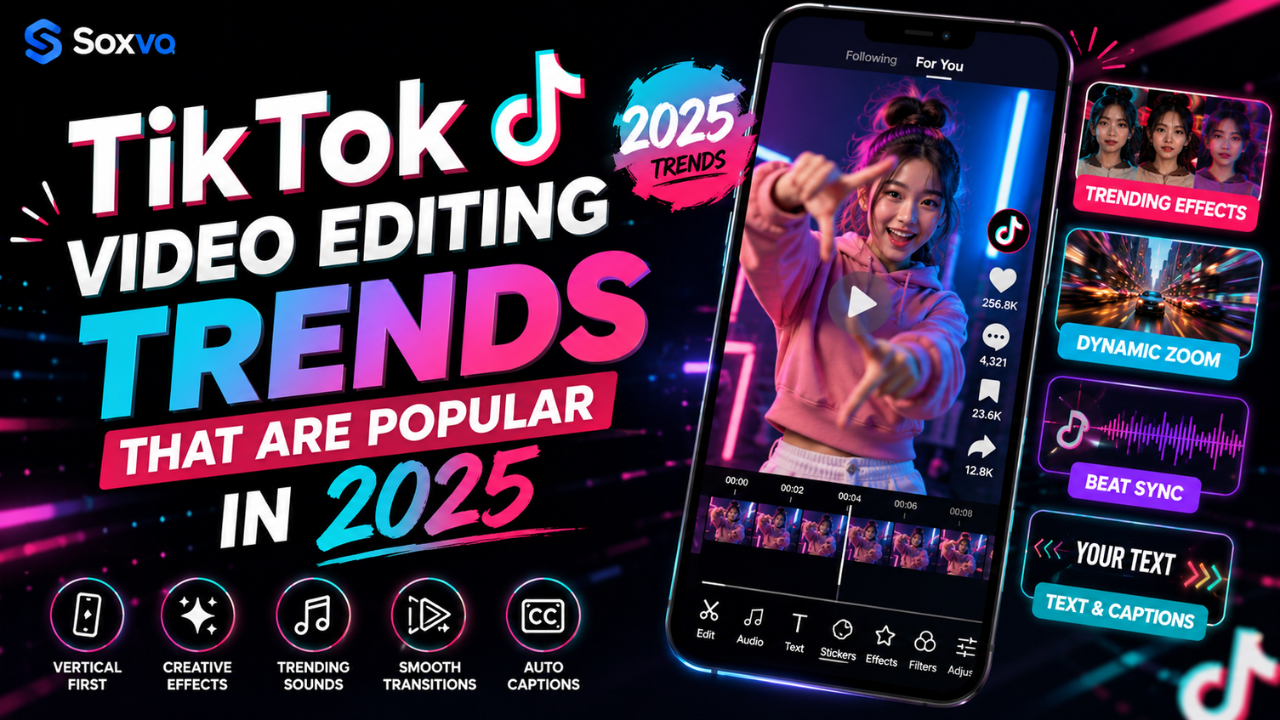
Besides having great content ideas, editing plays a huge role in helping your videos stand out. Here are some of the hottest editing trends on TikTok in 2025.
🔥 Velocity Edit
What is it?
A technique that combines slow motion and speed ramps to match the beat of the music.
Best for:
- Dance videos
- Transition edits
- Aesthetic content
YouTube Tutorial:
Velocity Edit Tutorial 2025
🔥 Troll Face / Skull Face Edit
What is it?
A humorous editing style where troll face or skull effects suddenly appear during funny or impressive moments, often accompanied by phonk music.
Best for:
- Memes
- Gaming content
- Comedy videos
YouTube Tutorial:
Troll Face Edit Tutorial
🔥 AI Hugging Trend
What is it?
An AI-powered editing trend that creates videos of you hugging your younger self or someone who has passed away.
Best for:
- Emotional content
- Tribute videos
YouTube Tutorial:
AI Hugging TikTok Trend
How to Edit TikTok Videos
Here’s a step-by-step guide you can follow using only your smartphone.
Step 1: Choose a Video Editing App
Some beginner-friendly options include:
- CapCut (free with trending TikTok templates)
- VN (more flexible for cutting and effects)
- Alight Motion (ideal for professional velocity edits)
Step 2: Use Templates
If you want a faster workflow, use ready-made templates.
In CapCut:
- Open CapCut.
- Go to Templates.
- Search for “Velocity” or “FYP Trend.”
- Choose a trending template.
- Tap Use Template.
- Import your video.
- Done!
Step 3: Synchronize Your Video with the Music Beat
If you prefer editing manually:
- Import your audio.
- Enable the Beat Marker feature in your editing app.
- Cut your clips according to the beat.
- Add slow-motion or speed-up effects at key moments.
Step 4: Add Text and Effects
- Use bold fonts with contrasting colors.
- Add trending effects such as glitch, blur, or motion effects.
Step 5: Export and Upload During Peak Hours
For better reach, upload your videos during these recommended times:
- 11:00 AM – 1:00 PM
- 7:00 PM – 9:00 PM
Recommended YouTube Tutorials
Here are several recommended YouTube tutorials that can help you learn the latest TikTok editing techniques, including velocity edits, trending transitions, AI effects, and professional editing tips for beginners. Choose the tutorial that best matches the editing style you want to create, then practice consistently to improve your skills.
Conclusion
Getting your videos onto TikTok’s For You Page comes down to a combination of creative ideas, the right timing, trending audio, and editing techniques that align with current trends. While there’s no guaranteed formula for going viral, consistently applying these best practices can significantly increase your chances of reaching a wider audience.
Don’t be afraid to experiment with different content styles, editing techniques, and storytelling approaches. Sometimes the simplest videos end up performing the best. Stay consistent, keep learning from the latest trends, analyze your results, and continue refining your content. The more you create, the better you’ll understand what resonates with your audience and the closer you’ll be to your next viral TikTok video.