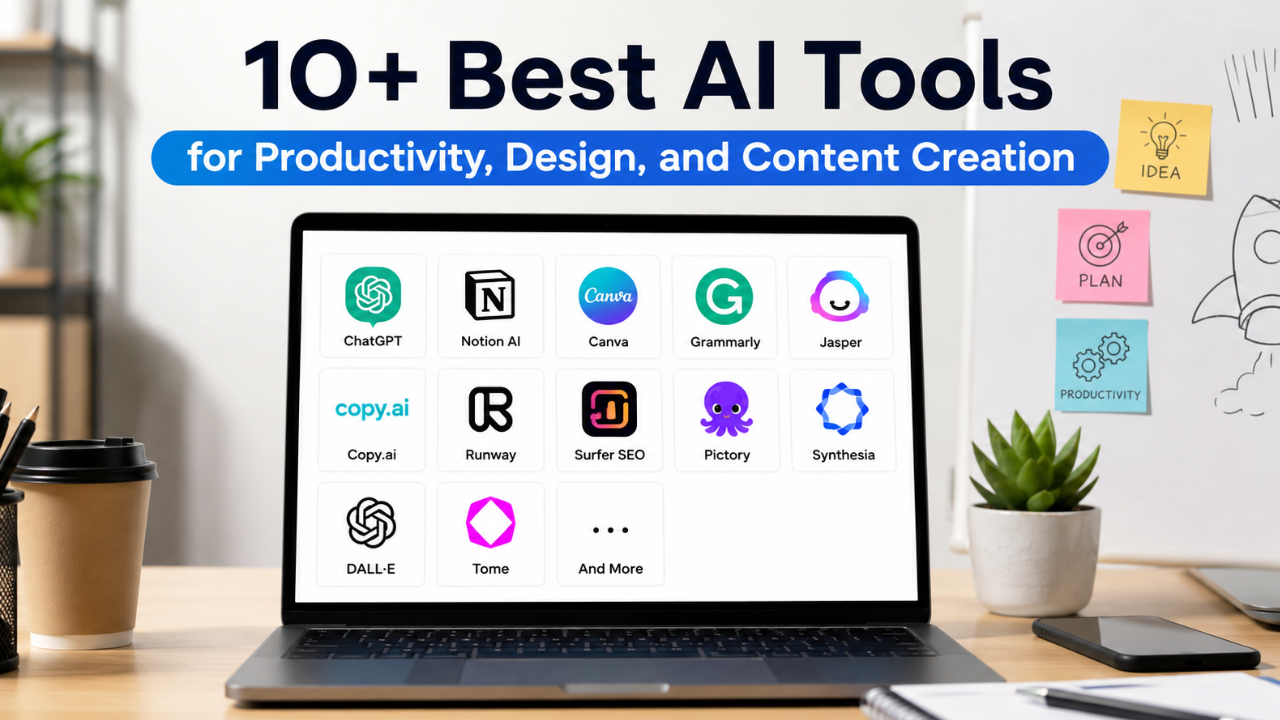
Best AI Tools for Productivity – AI tools have become essential for creators, marketers, entrepreneurs, and professionals who want to work faster, stay organized, and improve productivity. Whether you’re brainstorming ideas, designing graphics, editing videos, or managing projects, the right AI tools can simplify your workflow and help you accomplish more in less time.
In this guide, you’ll discover some of the best AI tools available for different purposes, including research, writing, design, video editing, and content creation.
Why Use AI to Improve Productivity?
Artificial Intelligence is no longer just a trend—it’s a practical solution for streamlining both creative and analytical tasks.
By automating repetitive work, AI allows you to spend more time on strategy, creativity, and decision-making while reducing manual effort.
Some of the biggest benefits include:
- Generate ideas and conduct research within minutes.
- Create content outlines, scripts, and articles more efficiently.
- Automate repetitive tasks such as transcription, captioning, and basic editing.
- Analyze data and audience insights faster.
- Produce multiple creative content variations with minimal effort.
- Save valuable time for high-impact projects.
- Access a virtual creative assistant anytime you need support.
Best AI Tools Based on Your Needs
Every AI tool serves a different purpose. Some specialize in writing, others focus on design, research, automation, or video production. Below are some of the most useful AI tools available today and what makes each one stand out.
1. ChatGPT
Best for: Writing, brainstorming, research, and productivity
ChatGPT is a versatile AI assistant that helps users generate ideas, write articles, create scripts, develop captions, summarize information, and solve complex problems. It’s an excellent companion for content creators, students, marketers, and business professionals.
Key Benefits
- Fast research and brainstorming
- Creates outlines, scripts, and copywriting
- Supports strategic planning
- Suitable for beginners and professionals
- Multilingual support with adjustable writing styles
2. Perplexity AI
Best for: Research and fact-based information
Perplexity AI combines conversational AI with a search engine that provides answers backed by reliable sources. It’s ideal for market research, trend analysis, academic studies, and content research.
Key Benefits
- Provides source-backed answers
- Excellent for in-depth research
- Summarizes articles, reports, and research papers
- Speeds up content planning
- More research-focused than traditional AI chatbots
3. Canva AI
Best for: Graphic design and visual content
Canva AI makes professional design accessible to everyone. From social media graphics and presentations to marketing materials and short videos, its AI-powered tools simplify the creative process.
Key Benefits
- AI-powered layouts and design suggestions
- Text-to-image generation
- Magic Edit and background removal
- Thousands of professional templates
- Automatic resizing for multiple platforms
4. Runway
Best for: Professional AI video editing
Runway is one of the most advanced AI-powered video editing platforms available. It enables creators to generate videos from text prompts, remove backgrounds, create cinematic effects, and automate complex editing tasks.
Key Benefits
- High-quality text-to-video generation
- Accurate object and background removal
- Cinematic visual effects
- Ideal for advertisements and social media videos
- Automatic B-roll generation
5. Notion AI
Best for: Organization and project management
Notion AI combines note-taking, documentation, project planning, and AI writing assistance in a single workspace. It’s perfect for creators, entrepreneurs, and collaborative teams.
Key Benefits
- Organizes notes and projects efficiently
- Generates and summarizes content
- Supports content calendars
- Excellent for personal and team workflows
- Integrates with databases and task management
6. Midjourney
Best for: AI image generation
Midjourney is one of the leading AI image generators for creating stunning digital artwork, branding assets, mood boards, concept illustrations, and product visuals.
Its detailed, artistic outputs make it especially popular among designers and creative professionals.
Key Benefits
- Highly realistic and artistic images
- Excellent for branding and storytelling
- Customizable visual styles
- Exceptional image quality
- Ideal for creative exploration
7. Adobe Firefly
Best for: Professional graphic design
Adobe Firefly is Adobe’s AI-powered creative assistant, integrated directly into applications like Photoshop, Illustrator, and Premiere Pro.
It helps designers accelerate image editing, visual effects, and content creation while maintaining professional-quality results.
Key Benefits
- Seamless Adobe Creative Cloud integration
- Premium text-to-image generation
- Professional editing presets
- High-quality visual effects
- Commercial-friendly outputs
8. CapCut AI
Best for: Short-form video creation
CapCut AI simplifies video editing with automation features designed for TikTok, Instagram Reels, and YouTube Shorts.
Even beginners can create polished videos with minimal editing experience.
Key Benefits
- Automatic captions
- Beat synchronization
- AI-powered visual effects
- Background removal
- Easy-to-use templates
9. Opus Clip
Best for: Repurposing long-form videos
Opus Clip automatically transforms lengthy videos into engaging short clips by identifying the most interesting moments.
It’s an excellent solution for YouTubers, podcasters, educators, and marketers who want to maximize content reach.
Key Benefits
- Automatically creates short clips
- Detects high-engagement moments
- Generates captions automatically
- Optimizes videos for different platforms
- Saves hours of editing time
10. ElevenLabs
Best for: AI voice generation
ElevenLabs produces highly realistic AI-generated voices suitable for tutorials, audiobooks, advertisements, educational content, podcasts, and narration.
It supports multiple languages, accents, and voice styles while delivering remarkably natural speech.
Key Benefits
- Human-like voice quality
- Wide selection of voices and accents
- Voice cloning capabilities
- Perfect for narration and explainer videos
- Fast audio generation
11. Descript
Best for: Audio and podcast editing
Descript revolutionizes audio and video editing by allowing users to edit recordings simply by modifying the transcript.
This makes podcast editing, educational videos, interviews, and voiceovers significantly faster and easier.
Key Benefits
- Edit audio and video through text
- Removes filler words automatically
- Built-in noise reduction
- AI voice replacement (Overdub)
- Streamlined editing workflow
How to Maximize AI for Better Productivity
 AI delivers the best results when used strategically rather than as a complete replacement for human creativity.
1. Improve Your Prompting Skills
The quality of AI output depends heavily on the quality of your instructions.
Provide clear information about:
- Your objective
- Target audience
- Context
- Desired tone
- Output format
The more specific your prompt, the more accurate and useful the response will be.
2. Create Reusable Templates
Build templates for recurring tasks such as:
- Blog outlines
- Social media captions
- Marketing emails
- Video scripts
- Project briefs
Instead of starting from scratch each time, AI can quickly customize existing templates for new projects.
3. Automate Your Workflow
Integrate AI with your favorite productivity tools to automate repetitive processes such as:
- Content scheduling
- Meeting summaries
- Video repurposing
- Automatic captions
- Task management
- Analytics reporting
Automation reduces manual work while improving consistency and efficiency.
Common Mistakes to Avoid When Using AI
Although AI is incredibly powerful, relying on it without human oversight can reduce quality and authenticity.
1. Publishing AI Output Without Editing
AI-generated content often requires refinement.
Always review, edit, and personalize the output to match your brand voice, audience, and communication style before publishing.
2. Neglecting Your Own Creativity
AI should enhance your creativity—not replace it.
Use AI to generate ideas and improve productivity while continuing to develop your own unique perspective, storytelling style, and creative identity.
3. Skipping Fact-Checking
AI can occasionally produce inaccurate information or outdated references.
Always verify facts, statistics, and sources before publishing content, and ensure that the final output aligns with your brand guidelines and messaging.
Final Thoughts
Artificial Intelligence has evolved from an emerging technology into an essential productivity tool. Whether you’re creating content, designing graphics, editing videos, conducting research, or managing projects, the right AI tools can help you work smarter, faster, and more efficiently.
The key to success isn’t simply using AI—it’s knowing which tools fit your workflow and how to combine them effectively. By integrating these AI solutions into your daily routine while maintaining human creativity and critical thinking, you can significantly increase productivity and produce higher-quality work in less time.