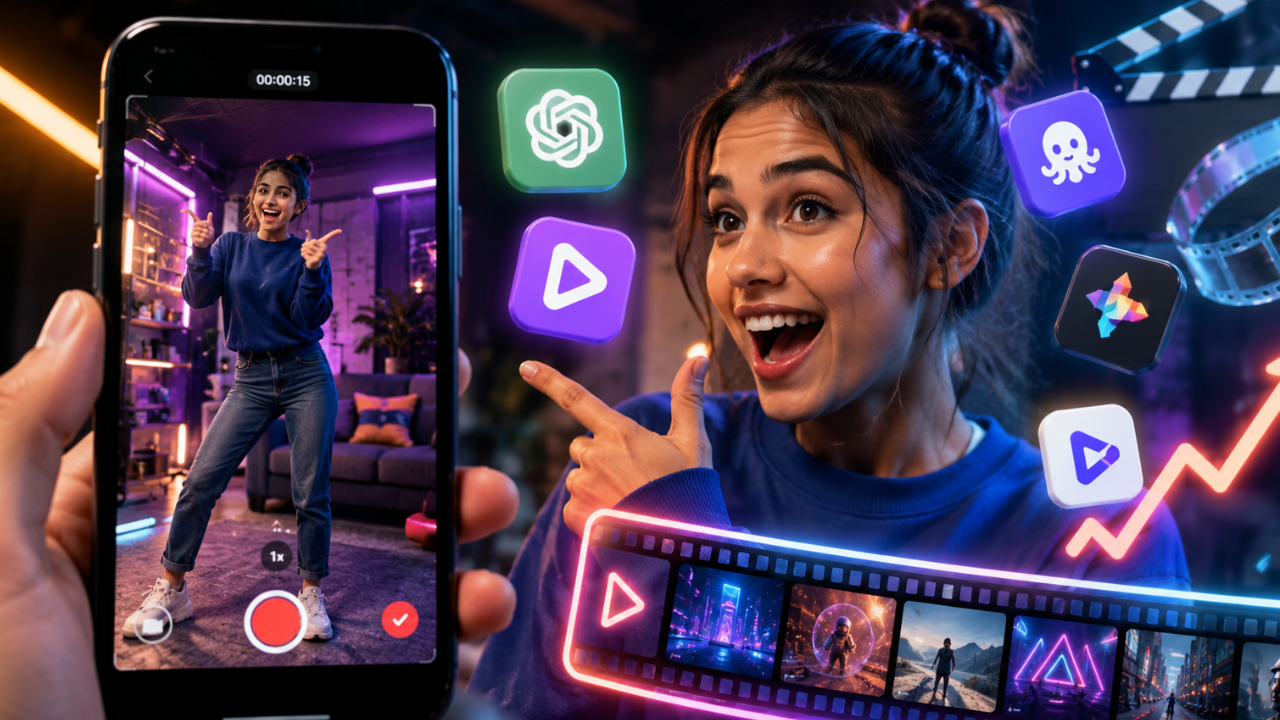
Looking for a free AI video generator to create viral TikTok videos and Instagram Reels? This guide introduces seven of the best AI-powered tools that help you turn ideas into engaging short-form videos with automatic editing, subtitles, voiceovers, and stunning visual effects in minutes.
What is an AI Video Generator?
An AI video generator is a software application that uses artificial intelligence to create, edit, or enhance videos automatically. Instead of spending hours editing clips manually, users can generate professional-looking videos from text prompts, scripts, images, or existing footage with just a few clicks.
Modern AI video generators are especially useful for creating short-form content such as TikTok videos, Instagram Reels, YouTube Shorts, Facebook Reels, and promotional advertisements. They can automatically generate captions, transitions, background music, AI voiceovers, animations, and even realistic video scenes.
As short-form video continues to dominate social media in 2026, AI video generators have become valuable tools for creators, influencers, marketers, small businesses, educators, and entrepreneurs who want to produce more content without increasing production time or costs.
While no AI tool can guarantee that a video will go viral, they can significantly speed up production and improve the overall quality of your content.
Main Benefits of AI Video Generators
Using AI-powered video creation tools offers several advantages for creators and businesses.
Key Benefits
- Create videos in minutes instead of hours.
- Generate videos from text prompts or scripts.
- Automatically add captions and subtitles.
- Produce AI voiceovers in multiple languages.
- Create engaging short-form videos for social media.
- Reduce editing time and production costs.
- Improve visual consistency across your content.
- Easily repurpose blog posts into videos.
- Generate content for multiple platforms simultaneously.
- Publish more frequently with less manual work.
Complete Guide to AI Video Generators (Step-by-Step)
Step 1: Preparation
Before choosing an AI video generator, determine your content goals.
Ask yourself:
- Which platform will you publish on—TikTok, Instagram Reels, or YouTube Shorts?
- What type of content will you create, such as tutorials, product reviews, educational videos, or entertainment?
- Do you need AI avatars or realistic voiceovers?
- Will a free version meet your needs, or do you require premium features?
- Do you need support for vertical (9:16) video formats?
Having a clear content strategy helps you select the right AI tool.
Step 2: The Main Process
Below are seven of the best free AI video generators for creating short-form social media content.
1. CapCut AI
CapCut AI has become one of the most popular tools for TikTok creators. It offers AI-powered script generation, automatic captions, background removal, smart editing, trending templates, and one-click effects.
Best for: TikTok, Instagram Reels, and YouTube Shorts.
2. InVideo AI
InVideo AI transforms text into complete videos with stock footage, AI voiceovers, subtitles, music, and transitions. It is ideal for creators who want to publish content quickly without extensive editing.
Best for: Marketing videos and educational content.
3. Canva AI Video
Canva combines AI-powered video creation with its user-friendly drag-and-drop editor. Users can create attractive short videos using customizable templates, animations, and branding elements.
Best for: Beginners and small businesses.
4. VEED AI
VEED AI offers browser-based video editing with automatic subtitle generation, AI voiceovers, translation features, and social media optimization.
Best for: Content creators and educators.
5. Pika
Pika allows users to generate creative AI videos directly from text prompts. It is particularly useful for producing visually engaging animations and imaginative short-form content.
Best for: Creative storytelling.
6. Runway
Runway provides advanced AI video generation and editing capabilities, including text-to-video, motion editing, object removal, and cinematic visual effects.
Best for: Professional creators seeking advanced editing tools.
7. Luma AI Dream Machine
Dream Machine creates realistic AI-generated videos featuring dynamic camera movements and detailed visuals from simple prompts.
Best for: High-quality cinematic short videos.
Step 3: Result & Evaluation
After generating your video, review it before publishing.
Evaluate the following:
- Video quality
- Caption accuracy
- Voiceover clarity
- Visual consistency
- Editing smoothness
- Mobile viewing experience
- Engagement potential
- Brand consistency
- Export quality
- Platform compatibility
Testing different AI video generators allows you to identify which platform best matches your content style and production workflow.
Comparison Table / Data Summary
| AI Video Generator | Free Plan | AI Voice | Auto Captions | Best For | Difficulty |
|---|---|---|---|---|---|
| CapCut AI | ✅ | ✅ | ✅ | TikTok & Reels | Very Easy |
| InVideo AI | ✅ | ✅ | ✅ | Marketing | Easy |
| Canva AI Video | ✅ | Limited | Limited | Beginners | Very Easy |
| VEED AI | ✅ | ✅ | ✅ | Online Editing | Easy |
| Pika | ✅ | ❌ | ❌ | Creative Videos | Easy |
| Runway | ✅ | Limited | Limited | Professional Editing | Medium |
| Luma AI Dream Machine | ✅ | ❌ | ❌ | Cinematic Content | Easy |
Additional Tips for Maximum Results
To improve the performance of your short-form videos, consider these best practices:
- Start each video with a compelling hook in the first three seconds to capture viewers’ attention.
- Keep your videos concise and focused, as shorter videos often achieve higher completion rates.
- Use clear captions because many users watch videos with the sound turned off.
- Stay consistent with your branding, posting schedule, and content style to build audience recognition over time.
Frequently Asked Questions (FAQ)
Which free AI video generator is best for TikTok?
CapCut AI is one of the best choices because it offers built-in templates, automatic captions, AI editing tools, and seamless optimization for TikTok’s vertical video format.
Can AI create videos from text?
Yes. Tools such as InVideo AI, Runway, Pika, and Luma AI Dream Machine allow users to generate videos from simple text prompts or written scripts.
Will using AI guarantee that my videos go viral?
No. Viral success depends on many factors, including content quality, originality, audience interest, timing, and platform algorithms. AI can speed up production and improve presentation, but it cannot guarantee viral performance.
Conclusion & Call to Action
AI video generators have made it easier than ever to create engaging short-form videos for TikTok, Instagram Reels, and other social platforms. By combining automation with your own creativity, you can produce more content, save valuable time, and maintain a consistent publishing schedule.
If you found this guide useful, share it with fellow creators, marketers, or friends, and explore more AI tools, productivity resources, and technology guides on Soxvo to stay ahead in the rapidly evolving world of digital content creation.