Looking for the best AI image generator to create eye-catching YouTube thumbnails? This guide compares five powerful AI tools that help creators generate high-quality thumbnail images with realistic visuals, vibrant colors, and attention-grabbing designs that can improve click-through rates (CTR).
What is an AI Image Generator for YouTube Thumbnails?
An AI image generator is a tool that uses artificial intelligence to create original images from text prompts or reference images. For YouTube creators, these tools make it possible to generate custom thumbnail artwork without advanced graphic design skills or expensive software.
A high-performing YouTube thumbnail is one of the most important factors influencing Click-Through Rate (CTR). While AI cannot guarantee higher CTR, it can help you produce unique, visually striking thumbnails that attract attention in search results and recommendation feeds.
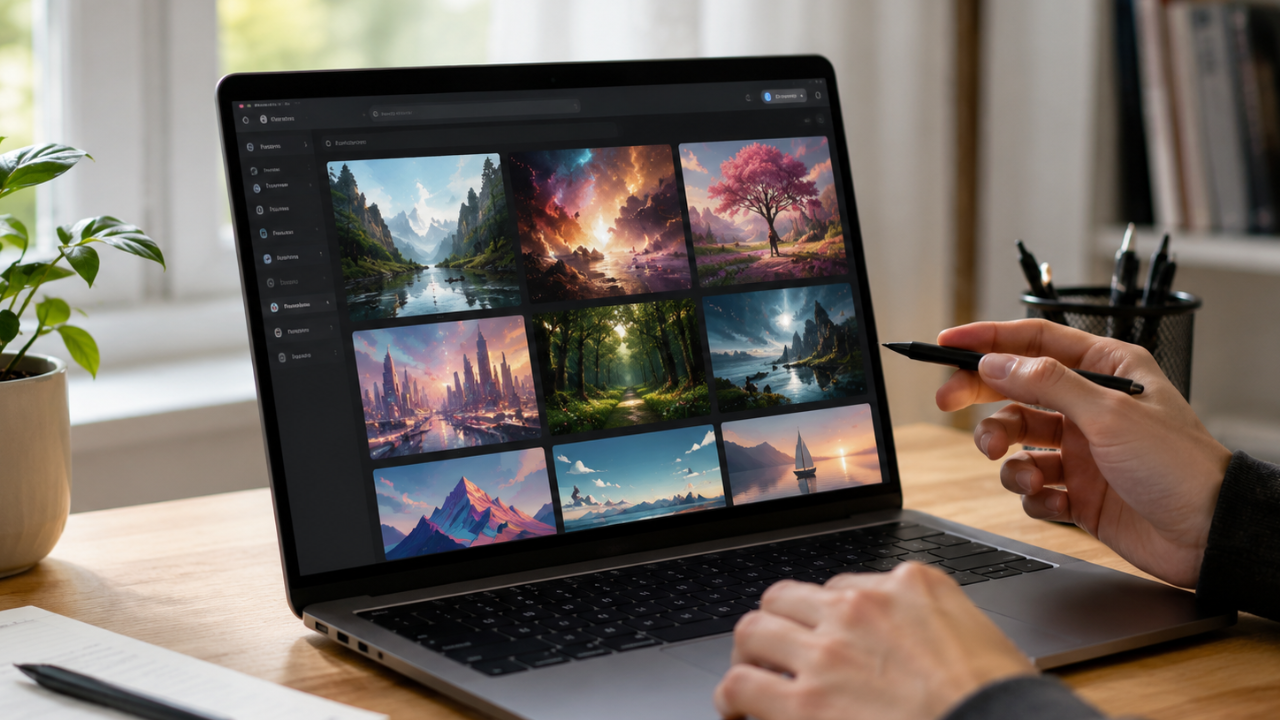
Modern AI image generators can create realistic portraits, cinematic scenes, 3D illustrations, product mockups, fantasy artwork, gaming visuals, and technology-themed images suitable for nearly every YouTube niche.
Main Benefits of AI Image Generators
Using AI-generated artwork for thumbnails offers several advantages.
Key Benefits
- Create custom thumbnails within minutes.
- Produce unique visuals without stock photos.
- Generate high-resolution images.
- Save time compared to manual graphic design.
- Support various artistic styles and realistic photography.
- Reduce design costs.
- Improve brand consistency.
- Easily test multiple thumbnail concepts.
- Generate visuals for different YouTube niches.
- Increase creative flexibility.
Complete Guide to AI Image Generators (Step-by-Step)
Step 1: Preparation
Before generating your thumbnail, define the purpose of your video.
Consider the following:
- What is the video’s main topic?
- Who is your target audience?
- Should the thumbnail look realistic, cinematic, minimalist, or illustrated?
- Will you include text later in Canva, Photoshop, or another editor?
- Which colors best represent your brand?
A clear concept helps AI produce more relevant images.
Step 2: The Main Process
Below are five of the best AI image generators for creating YouTube thumbnails in 2026.
1. ChatGPT Image Generation
ChatGPT can generate detailed, high-quality images from natural language prompts. It excels at producing realistic scenes, technology illustrations, business concepts, cinematic compositions, and custom artwork tailored to specific video topics.
Best for: Custom thumbnails with precise creative control.
2. Midjourney
Midjourney is known for producing visually stunning, artistic, and cinematic images with exceptional detail and lighting. Many professional YouTubers use it to create premium-looking thumbnails.
Best for: Cinematic and creative thumbnails.
3. Adobe Firefly
Adobe Firefly integrates AI image generation with Adobe’s creative tools, making it easy to generate and refine visuals for professional branding and marketing.
Best for: Professional creators and designers.
4. Ideogram
Ideogram stands out for generating images that handle typography better than many AI image generators. This makes it useful for thumbnails that combine strong visuals with readable text.
Best for: Text-focused thumbnail concepts.
5. Leonardo AI
Leonardo AI offers excellent control over image styles, consistency, lighting, and composition. It supports realistic photography, gaming artwork, anime, and concept illustrations.
Best for: Gaming, technology, and entertainment channels.
Step 3: Result & Evaluation
Once you’ve generated your thumbnail, review it carefully before publishing.
Evaluate the following:
- Image quality and sharpness
- Subject visibility on small screens
- Color contrast
- Emotional impact
- Composition and balance
- Space for text placement
- Brand consistency
- Mobile readability
- Originality
- Relevance to the video topic
You can also perform A/B testing using YouTube’s thumbnail testing features or compare performance across similar videos to identify designs that resonate most with your audience.
Comparison Table / Data Summary
| AI Image Generator | Free Version | Realistic Images | Text Support | Best For | Difficulty |
|---|---|---|---|---|---|
| ChatGPT Image Generation | ✅ | ⭐⭐⭐⭐⭐ | Limited | Custom Concepts | Very Easy |
| Midjourney | Limited | ⭐⭐⭐⭐⭐ | Limited | Cinematic Art | Medium |
| Adobe Firefly | ✅ | ⭐⭐⭐⭐☆ | Good | Professional Design | Easy |
| Ideogram | ✅ | ⭐⭐⭐⭐☆ | ⭐⭐⭐⭐⭐ | Text-Based Thumbnails | Easy |
| Leonardo AI | ✅ | ⭐⭐⭐⭐⭐ | Limited | Gaming & Tech | Easy |
Additional Tips for Maximum Results
To design thumbnails that encourage more clicks, keep these best practices in mind:
- Focus on a single main subject instead of cluttering the thumbnail with multiple competing elements.
- Use bright colors and strong contrast so your thumbnail remains visible on mobile devices.
- Keep text short, bold, and readable if you add it during editing.
- Match the thumbnail closely to your video’s actual content to build trust and improve viewer satisfaction.
Frequently Asked Questions (FAQ)
Which AI image generator is best for YouTube thumbnails?
ChatGPT Image Generation and Midjourney are among the best options for creating high-quality custom thumbnails. ChatGPT offers flexible prompt-based generation, while Midjourney is known for cinematic and artistic visuals.
Can AI-generated thumbnails improve YouTube CTR?
AI-generated thumbnails can improve visual appeal and help attract attention, but CTR also depends on factors such as video topic, title, audience, competition, and overall content quality.
Are AI-generated images safe for commercial YouTube videos?
Most AI image generators allow commercial use under their licensing terms or paid plans. Always review the specific licensing policy of the platform before using generated images in monetized content.
Conclusion & Call to Action
AI image generators have made it easier than ever to create professional-looking YouTube thumbnails without advanced design skills. By combining compelling visuals with clear messaging and consistent branding, you can create thumbnails that stand out in crowded search results and recommendation feeds.
If you found this guide helpful, share it with fellow YouTube creators, and explore more AI tools, content creation resources, and productivity guides on Soxvo to improve your workflow and grow your channel more efficiently.