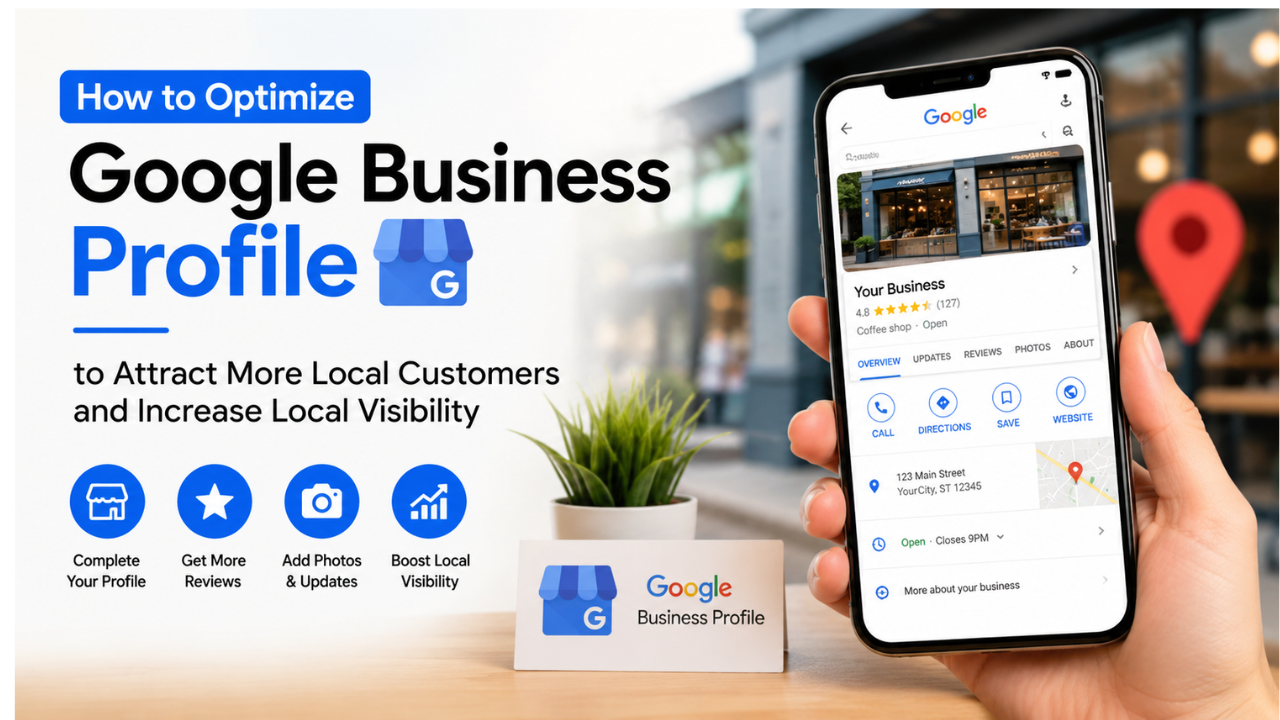
Optimizing your Google Business Profile (formerly Google My Business) helps local customers discover your business through Google Search and Google Maps. A complete profile, accurate information, customer reviews, and regular updates can improve local search rankings, increase trust, and drive more calls, visits, and sales.
What is Google Business Profile?
Google Business Profile (GBP), previously known as Google My Business (GMB), is a free business listing platform provided by Google. It allows businesses to manage how they appear on Google Search and Google Maps by displaying important information such as business name, address, phone number, website, business hours, photos, reviews, and updates.
For local businesses, Google Business Profile is one of the most powerful local SEO tools available. When someone searches for services like “coffee shop near me,” “best dentist,” or “computer repair nearby,” Google often displays local businesses in the Local Pack before showing traditional organic search results.
A well-optimized profile increases your chances of appearing in these highly visible positions, helping potential customers find your business exactly when they’re ready to buy.
Main Benefits of Google Business Profile
Optimizing your Google Business Profile provides significant advantages for local businesses.
- Increase visibility in Google Search and Google Maps.
- Improve rankings in local search results.
- Attract more nearby customers.
- Build trust through customer reviews.
- Generate more phone calls and website visits.
- Increase requests for directions to your business.
- Showcase products, services, and promotions.
- Improve local SEO performance.
- Strengthen your online reputation.
- Gain valuable customer insights through performance analytics.
Complete Guide to Google Business Profile
Preparation
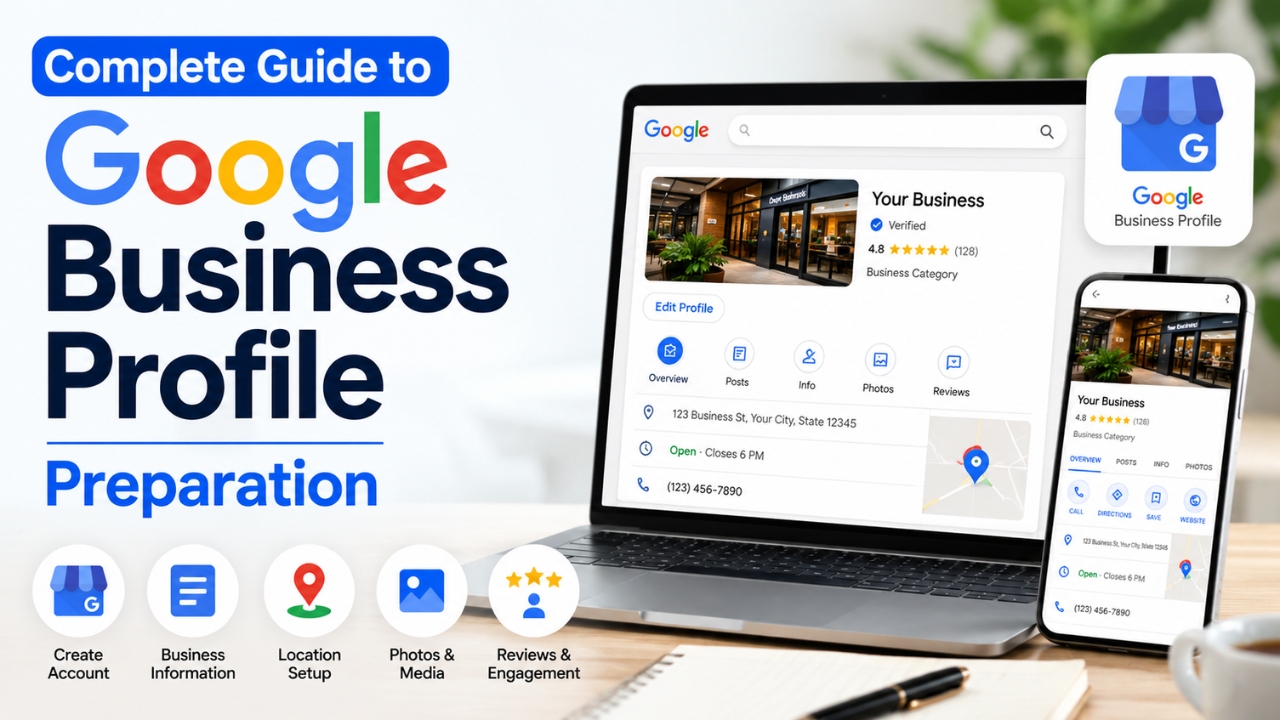
Before optimizing your profile, ensure your business information is complete and consistent across all online platforms.
Claim and Verify Your Business
If you haven’t already, claim your Google Business Profile and complete Google’s verification process. Verification confirms that you own or manage the business and unlocks all profile management features.
Gather Essential Business Information
Prepare the following details:
- Official business name
- Physical address
- Phone number
- Website URL
- Business hours
- Business category
- Service areas (if applicable)
- Products and services
- Business description
- High-quality photos
- Business logo
Ensure this information matches what appears on your website and other online directories. Consistency helps build trust with both users and search engines.
The Main Process
1. Choose the Right Business Category
Selecting the correct primary category is one of the most important ranking factors for local SEO.
Choose the category that best describes your core business, then add relevant secondary categories if they accurately represent additional services.
Avoid selecting unrelated categories simply to appear in more searches.
2. Write a Keyword-Friendly Business Description
Your business description should explain:
- What your business offers.
- Who your customers are.
- What makes your business unique.
- The locations you serve.
Include relevant local keywords naturally without overusing them.
For example, instead of repeating the same phrase multiple times, describe your services in a way that answers potential customers’ questions while highlighting your expertise.
3. Upload High-Quality Photos
Businesses with attractive, authentic photos often receive more engagement than those with limited visuals.
Include:
- Exterior photos
- Interior photos
- Team members
- Products
- Services in action
- Office or store environment
- Company logo
- Cover photo
Update your images regularly to keep your profile fresh and relevant.
4. Collect Customer Reviews
Customer reviews play a major role in local rankings and purchasing decisions.
Encourage satisfied customers to leave honest reviews after completing a purchase or service.
Respond professionally to every review, including negative feedback. Thoughtful responses demonstrate that your business values customer experience.
5. Publish Regular Google Posts
Google Posts allow businesses to share updates directly on their profile.
Examples include:
- New products
- Special offers
- Events
- Business announcements
- Seasonal promotions
- Helpful tips
Regular updates signal that your business is active and engaged.
6. Add Products and Services
Create detailed listings for your products or services.
Each listing should include:
- Name
- Description
- Photos
- Pricing (when appropriate)
This helps customers understand what you offer before contacting your business.
7. Answer Customer Questions
Monitor the Questions & Answers section regularly.
Provide clear, accurate answers and consider adding common questions yourself to address frequently asked concerns before customers need to ask.
8. Keep Business Information Updated
Review your profile regularly to ensure:
- Opening hours are correct.
- Holiday hours are updated.
- Phone numbers remain accurate.
- Website links work properly.
- Services are current.
An outdated profile can frustrate customers and reduce trust.
9. Monitor Performance with Insights
Google Business Profile provides valuable analytics, including:
- Search queries used to find your business.
- Profile views.
- Phone calls.
- Website clicks.
- Direction requests.
- Photo views.
Use these insights to understand customer behavior and refine your local marketing strategy.
Result & Evaluation
Local SEO is an ongoing process rather than a one-time task.
Review your profile performance monthly to identify trends in visibility, customer engagement, and conversions. Pay attention to review growth, search queries, and profile interactions. If certain products or services attract more interest, expand that content and continue updating your profile with fresh photos and posts.
Businesses that consistently maintain accurate information, earn positive reviews, and engage with customers are more likely to improve their visibility in local search results over time.
| Unoptimized Profile | Optimized Google Business Profile |
|---|---|
| Incomplete business information | Complete and accurate profile |
| Few or outdated photos | High-quality, regularly updated images |
| Limited customer reviews | Consistent flow of authentic reviews |
| Rarely updated | Frequent posts and business updates |
| Lower local visibility | Higher rankings in local search |
| Less customer trust | Strong reputation and credibility |
| Fewer calls and visits | More customer interactions and conversions |
| Missed local SEO opportunities | Strong local search performance |
Additional Tips for Maximum Results
1. Maintain NAP Consistency
Ensure your business Name, Address, and Phone Number (NAP) are identical across your website, social media profiles, and online business directories. Consistent information strengthens local SEO signals.
2. Encourage Reviews Naturally
Instead of offering incentives, simply ask satisfied customers to share their experience. Authentic reviews carry more credibility and help build long-term trust.
3. Refresh Your Photos Regularly
Upload new photos every few weeks to show recent products, completed projects, seasonal promotions, or improvements to your business. Fresh visuals demonstrate that your business is active.
4. Combine Google Business Profile with Website SEO
An optimized Google Business Profile works best when supported by a fast, mobile-friendly website featuring location-specific landing pages, structured data, and helpful local content.
Frequently Asked Questions (FAQ)
Is Google Business Profile free to use?
Yes. Google Business Profile is completely free and provides businesses with tools to manage their presence on Google Search and Google Maps.
How long does it take to improve local rankings?
Results vary depending on competition, profile quality, and customer engagement. Many businesses notice improvements within a few weeks to several months after consistently optimizing their profile.
Do customer reviews affect local SEO?
Yes. Genuine customer reviews, along with timely responses, contribute to your business’s credibility and can positively influence local search visibility.
Conclusion & Call to Action
Optimizing your Google Business Profile is one of the most effective ways to attract local customers and strengthen your local SEO strategy. By maintaining accurate information, collecting authentic reviews, publishing regular updates, and monitoring performance, you can improve visibility and build lasting customer trust.
If you found this guide helpful, share it with fellow business owners or your marketing team. Explore our other local SEO and digital marketing guides to discover more proven strategies for growing your business and reaching more customers in your area.