In today’s digital era, a point-of-sale (POS) application has become one of the most essential tools for business owners. Managing transactions, inventory, and financial reports is now easier than ever thanks to modern POS software.
Many of these applications are available for free on both Android and PC, making them practical solutions for small and medium-sized businesses. Below are the 10 best free POS apps you can use in 2026.
1. Soxvo POS
Platform: Android, iOS, and PC
Advantages:
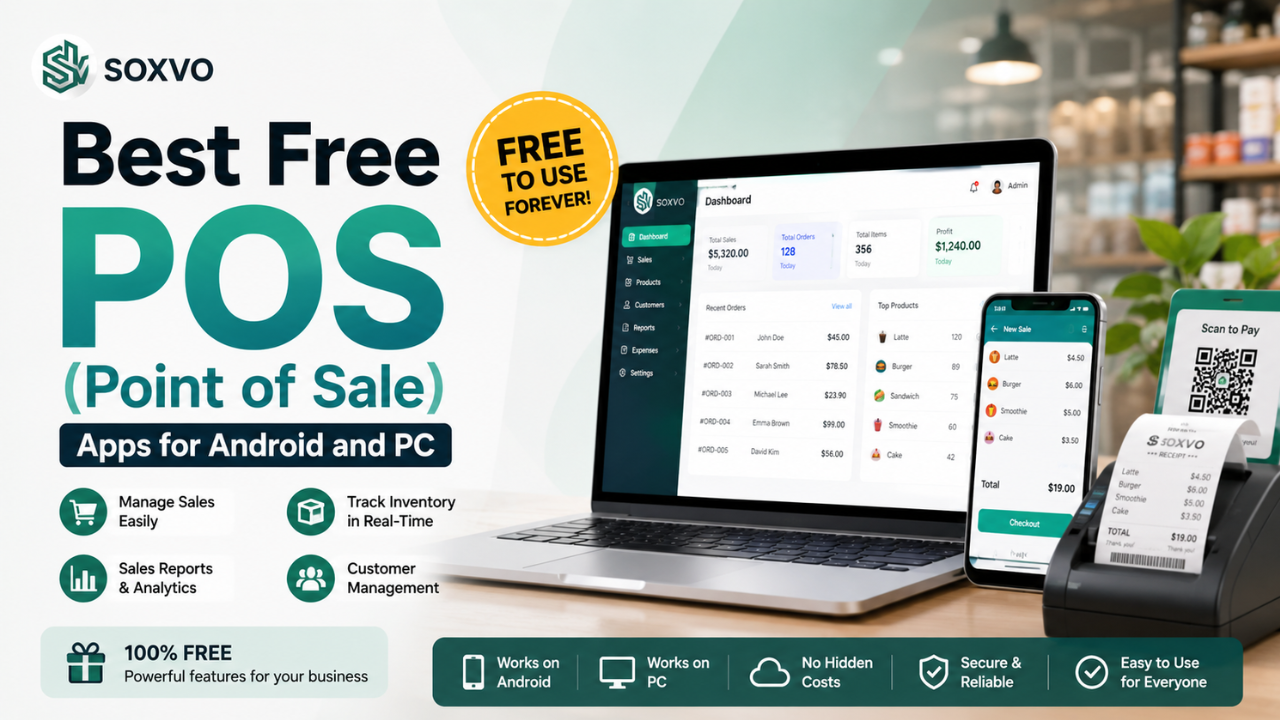
- Free POS application available forever with the Soxvo POS Free plan.
- 30-day free trial for Soxvo POS Pro.
- Online product catalog feature through Olshopin.
- Additional income opportunities through PPOB services.
- Multi-branch support.
- Integration with both cash and cashless payment methods.
- Optional plugins to customize your business needs.
- Wide selection of additional plugins for various business requirements.
- Available on both Android and PC, providing flexibility across different business operations.
Soxvo POS is one of the best POS applications for small and medium-sized businesses, currently trusted by more than 2 million users. With a wide range of features and an affordable subscription price of Rp55,500 per month, it offers excellent value for businesses. Its intuitive interface makes it suitable for a variety of businesses, from grocery stores to restaurants.
2. Moka POS
Platform: Android and PC
Advantages:
- Free version available for small businesses.
- Built-in basic analytics features.
- Integration with multiple digital payment methods.
Moka POS simplifies transaction management and daily reporting. It also supports various payment methods, including digital wallets.
3. Loyverse POS
Platform: Android and iOS
Advantages:
- Free sales features with unlimited transactions.
- Multi-branch support.
- Inventory tracking and sales reporting.
Loyverse POS is an excellent choice for retail businesses, particularly because of its detailed inventory tracking features. It also supports digital receipts, helping businesses reduce printing costs.
4. Olsera POS
Platform: Android and PC
Advantages:
- Free version available for new businesses.
- Online store integration.
- Comprehensive inventory management features.
Olsera POS allows business owners to manage both physical and online stores from a single application. It is well suited for retail and food & beverage businesses.
5. Qasir
Platform: Android and iOS
Advantages:
- No subscription fee for basic features.
- Supports digital payments, including QRIS.
- Real-time sales reports.
Qasir is highly flexible and suitable for various types of businesses, from small restaurants to boutique stores.
Also Read: Digital vs. Printed Menus: Which Is More Effective for Food Businesses?
Also Read: How to Optimize Every Stage of the Marketing Funnel for Greater Business Success
6. iReap POS Lite
Platform: Android
Advantages:
- Free Lite version available.
- Simple inventory tracking and reporting.
- No internet connection required.
For small businesses with basic operational needs, iReap POS Lite is a practical and cost-effective solution.
7. Square POS
Platform: Android and PC
Advantages:
- Free basic features.
- Integrated with Square payment services.
- Advanced reporting features.
Square POS is popular among small and medium-sized businesses looking for a complete and professional POS solution.
8. Zettle by PayPal
Platform: Android and iOS
Advantages:
- Free access to basic features.
- Integrated with PayPal accounts.
- Easy to use for retail stores and cafés.
Zettle is an ideal option for business owners who already use PayPal as their primary payment method.
9. Vend POS
Platform: Android, iOS, and PC
Advantages:
- Free version available for small businesses.
- Multi-location support.
- Basic CRM features for customer management.
Vend POS provides an intuitive user experience, making it one of the best choices for retail businesses.
10. TabShop POS
Platform: Android
Advantages:
- Free with no subscription fees.
- Supports simple transaction recording.
- Can be used without an internet connection.
TabShop POS is ideal for small businesses looking for a practical POS solution with essential features.
How to Choose the Right POS Application
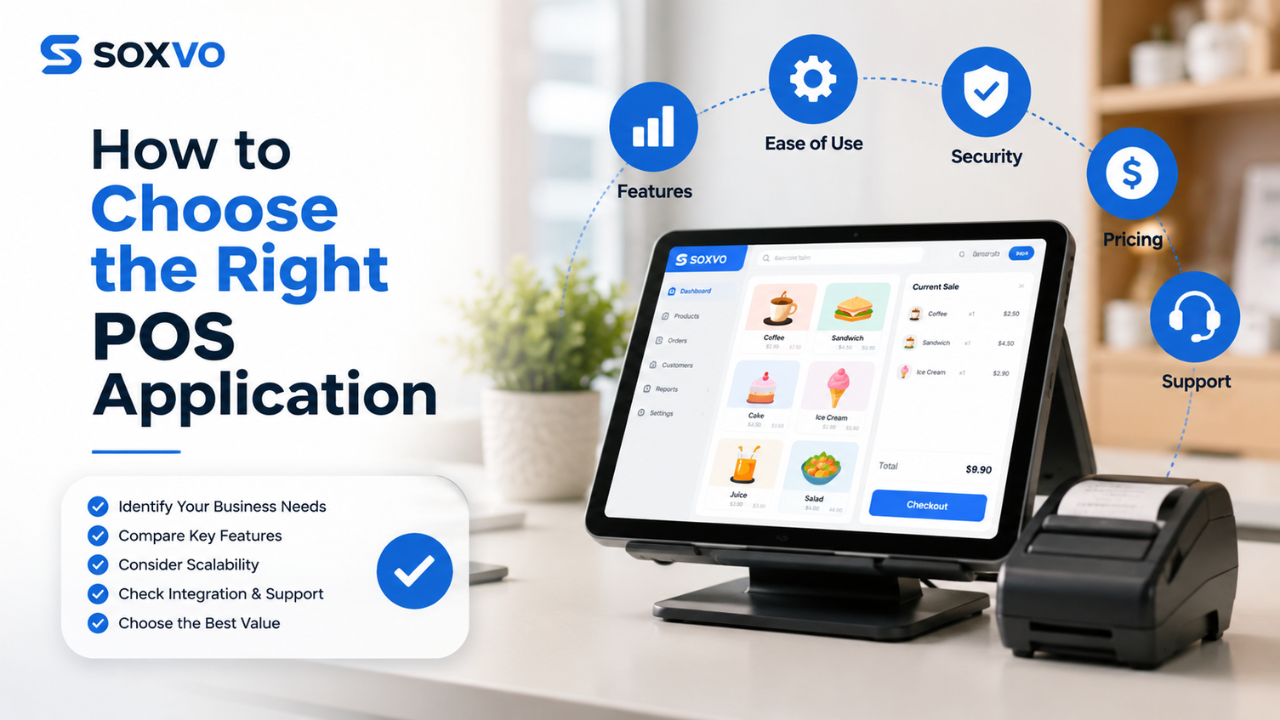
Before selecting a POS application, consider the following factors:
- Business Needs: Choose an application that offers features suitable for your business, such as inventory management, financial reporting, or multi-branch support.
- Ease of Use: Make sure the application is easy for both you and your staff to operate.
- Integration with Other Tools: Some POS systems support receipt printers, barcode scanners, and digital payment gateways.
- Scalability: Select a solution that can grow alongside your business, with upgrade options available when needed.
- Customer Support: Ensure the provider offers responsive and reliable customer service.
Also Read: Efficient Ways to Manage POS Transactions for Your Business
Also Read: Cash Register Receipt Printers: A Smart Solution for Efficient Business Transactions
Conclusion
Choosing the right POS application can significantly improve your business operations, increase productivity, and provide a better customer experience. With the right system in place, managing transactions, monitoring inventory, and generating sales reports becomes faster, more accurate, and more efficient, allowing you to focus on growing your business.
If you’re looking for a modern POS solution, Soxvo POS is an excellent choice. It helps you record transactions, manage inventory, monitor sales performance, and streamline daily business operations—all within a single, easy-to-use application. Whether you’re running a small retail shop, restaurant, café, or growing multi-branch business, Soxvo POS provides the tools you need to operate more efficiently and scale with confidence.