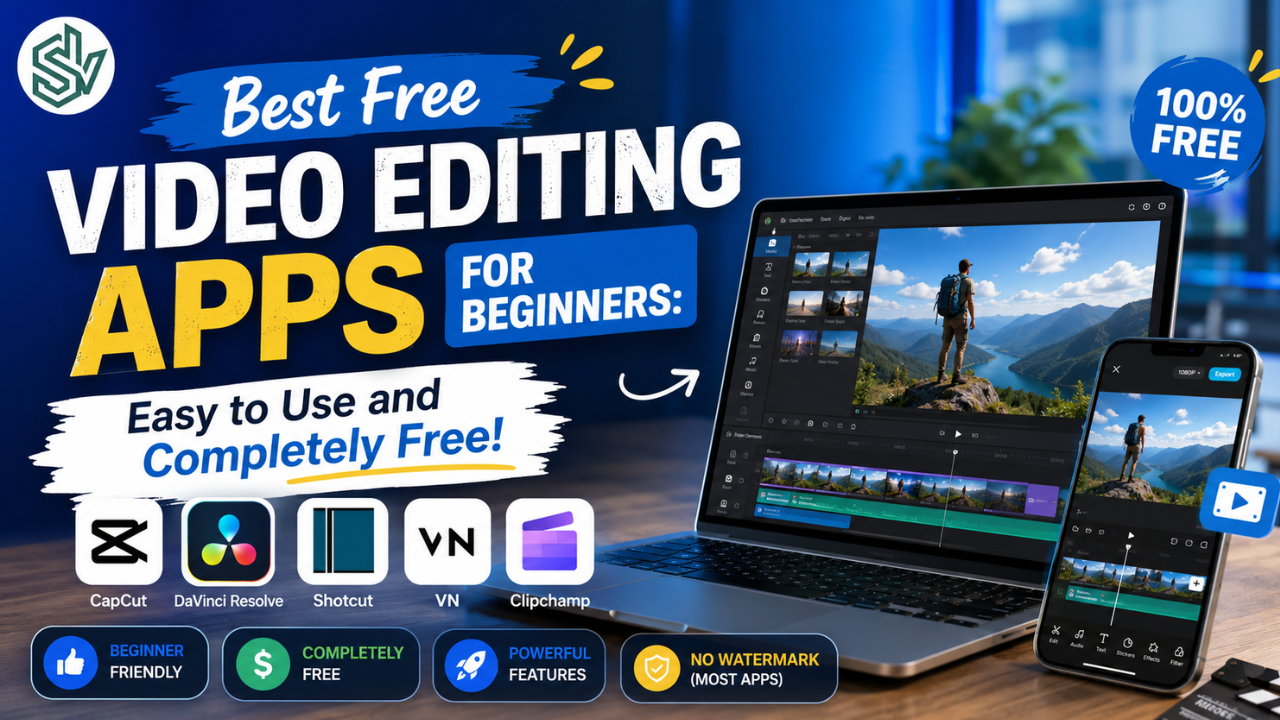
Want to create amazing videos but you’re just getting started? Don’t worr video editing doesn’t have to be complicated anymore! There are plenty of video editing apps that can help your videos look professional, even if it’s your very first time editing.
In this article, we’ll explore the best video editing apps for beginners. They’re easy to use, free to get started with, and capable of producing impressive results.
Why Should You Choose the Right Video Editing App?
Have a great video idea but not sure how to edit it? Choosing the right application makes the editing process much easier and far less overwhelming. Beginner-friendly apps usually offer simple features, user-friendly interfaces, and ready-to-use effects, so you don’t have to master advanced editing techniques before creating great-looking videos.
The right app can also speed up your editing workflow and make your videos look more polished and visually appealing. Whether you’re creating social media content, university assignments, or personal vlogs, these apps can help you get the job done efficiently.
Best Video Editing Apps for Beginners
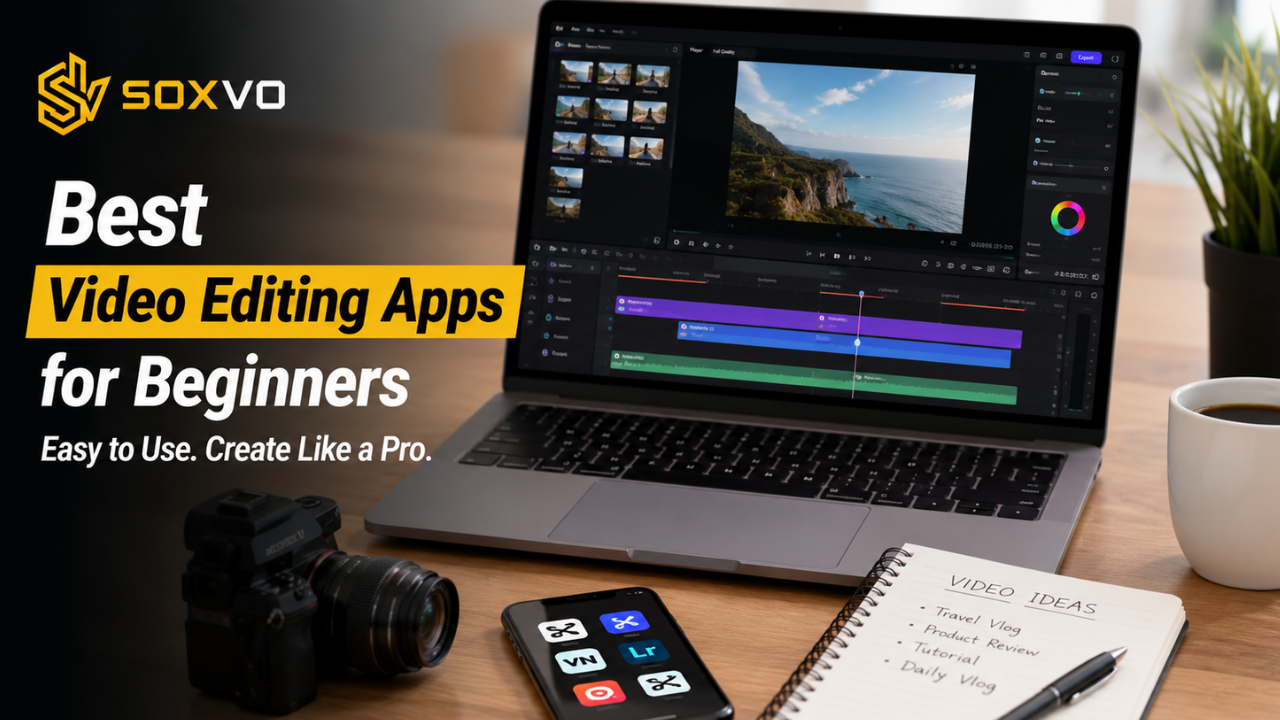
To make your choice easier, here are some of the most highly recommended video editing apps for beginners. Pick the one that best suits your needs and start editing your first video today!
1. CapCut – The Go-To Video Editing App for Gen Z
CapCut is one of the most popular video editing apps among beginner creators, especially Gen Z users who regularly create content for TikTok, Instagram Reels, and YouTube Shorts. Developed by ByteDance, the company behind TikTok, CapCut includes features specifically designed for creating engaging short-form videos.
Advantages of CapCut
- Simple and beginner-friendly user interface.
- Wide selection of free effects, transitions, and sound effects.
- Plenty of ready-to-use templates.
- Large and active CapCut creator community.
Disadvantages of CapCut
- Some premium features require a paid Pro subscription.
- Certain templates include watermarks.
- Automatic subtitles in the latest version require a Pro account.
2. InShot – Perfect for Mobile Content Creators
InShot is a highly popular video editing app among social media users. It is specifically designed for vertical video editing, making it ideal for creating content for Instagram Stories, TikTok, and YouTube Shorts.
Advantages of InShot
- Easy vertical video editing.
- Wide variety of text, sticker, and music features.
- Blur background effect for a more aesthetic look.
Disadvantages of InShot
- The free version adds a watermark to exported videos.
- Not suitable for complex video editing projects.
3. VN – Professional Editing with a Clean Interface
VN (VlogNow) has become increasingly popular among users who want professional-looking videos while maintaining an easy editing experience. It offers advanced features such as multi-layer editing, color grading, and cinematic transitions that can be applied with ease.
Advantages of VN
- Clean and intuitive interface.
- Professional-style overlay and color grading tools.
- Free cinematic video templates.
Disadvantages of VN
- Some advanced features require a premium account.
- Video exports may take longer compared to some other apps.
4. KineMaster – Feature-Rich for Content Creators
KineMaster is a video editing app widely used by creators who want to produce high-quality videos without using a computer. It offers more advanced editing capabilities than many beginner apps, including multi-layer editing, chroma key (green screen), and a wide selection of transitions and sound effects.
Advantages of KineMaster
- Multi-layer editing for greater creative control.
- Supports green screen (chroma key) editing.
- Blending modes for creative visual effects.
Disadvantages of KineMaster
- The free version includes a watermark.
- Requires a relatively powerful smartphone for smooth performance.
5. Clipchamp – A Great Free Option for PC and Laptop Users
If you prefer editing videos on a laptop or desktop computer, Clipchamp is an excellent choice. This web-based editor lets you edit videos directly in your browser without installing additional software.
Clipchamp includes a solid set of editing tools, including video trimming, speed adjustment, text overlays, and sound effects. It also provides a variety of templates that make it easy to create professional-looking videos.
Advantages of Clipchamp
- Edit directly in your browser without installing software.
- Easy-to-use drag-and-drop interface.
- Wide selection of free video templates.
Disadvantages of Clipchamp
- Requires a stable internet connection for online editing.
- Some advanced features are only available in the premium version.
How to Start Video Editing as a Beginner
Not sure where to begin? Don’t worry—follow these simple tips to make learning video editing much easier.
- Choose the right app → Pick the application that best fits your needs.
- Start with the basics → Trim your clips, add music, and use simple effects.
- Use templates → Create professional-looking videos without starting from scratch.
- Explore more features → Experiment with color grading, creative transitions, or even green screen effects.
Most importantly, don’t be afraid to experiment and keep exploring. The more you edit, the more your skills will improve.
Conclusion
Learning video editing has never been easier thanks to the wide range of beginner-friendly applications available today. Whether you’re creating short-form social media content, educational videos, personal vlogs, or professional projects, there’s an app that fits your workflow and skill level.
Each application offers its own strengths, so take the time to try a few and discover which one best matches your editing style. As you gain more experience, you’ll become more confident using advanced features and producing higher-quality videos.
The key is to start practicing today. With consistency, creativity, and the right video editing app, you’ll be able to create engaging, professional-looking videos that stand out across any platform.