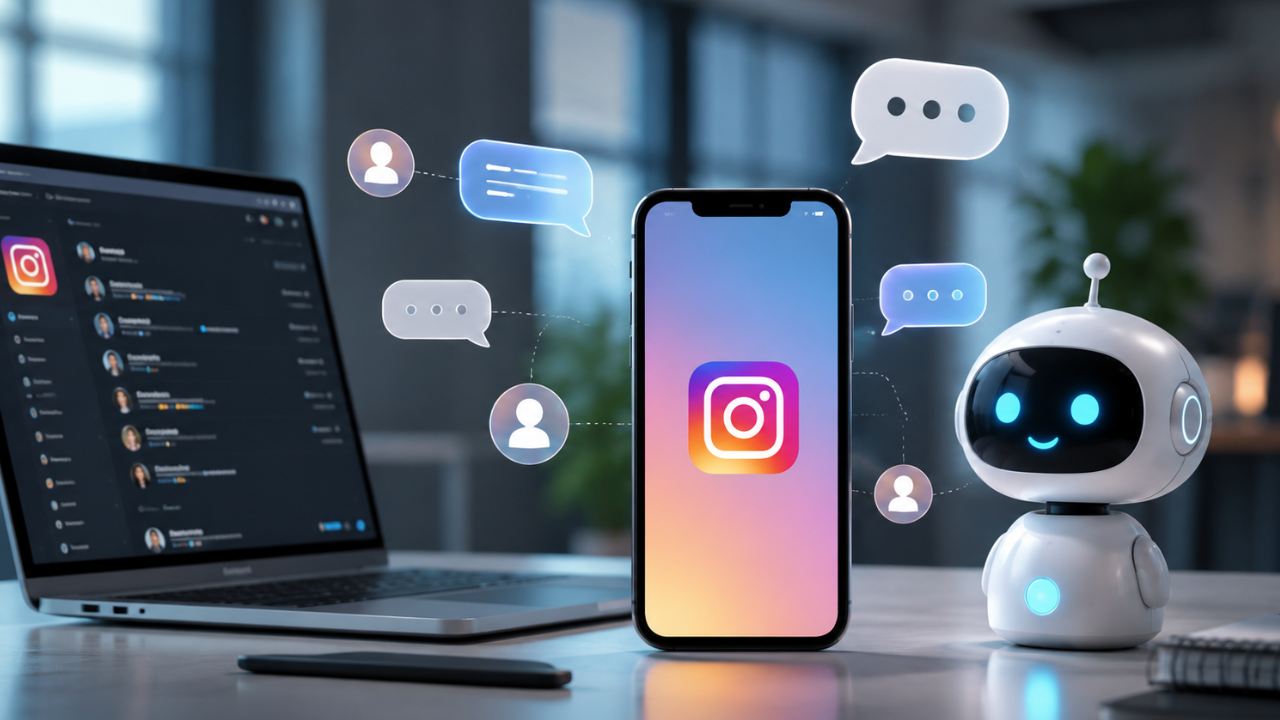
 Want to respond to Instagram comments and direct messages without staying online all day? This guide explains how AI chatbots can automate replies, improve response times, support customer engagement, and help creators and businesses manage Instagram conversations more efficiently.
What is an AI Chatbot for Instagram Automation?
An AI chatbot for Instagram automation is a software solution that automatically responds to Instagram comments and direct messages (DMs) using predefined workflows, natural language processing (NLP), or generative AI. These chatbots can answer frequently asked questions, provide product information, collect leads, recommend services, and guide users through conversations without requiring manual replies.
For content creators, online stores, influencers, and businesses, Instagram is one of the most active communication channels. As follower counts grow, responding to every message manually becomes increasingly difficult. AI chatbots solve this challenge by handling routine conversations while allowing human agents to step in when more personalized assistance is needed.
Modern AI chatbots can integrate with Instagram Business accounts, CRM platforms, customer support systems, e-commerce platforms, and automation tools. They can also personalize responses based on user behavior, previous interactions, and conversation context, helping businesses deliver faster and more consistent customer service.
Automation should always be used responsibly. Users should know when they are interacting with an automated system, and important or sensitive conversations should be reviewed by a human when necessary.
Main Benefits of AI Chatbots for Instagram
Implementing an AI chatbot on Instagram offers several advantages for businesses and creators.
Key Benefits
- Respond to comments and DMs instantly.
- Improve customer response time.
- Handle frequently asked questions automatically.
- Increase customer engagement.
- Generate and qualify leads.
- Reduce repetitive manual work.
- Provide 24/7 customer support.
- Maintain consistent brand communication.
- Connect with CRM and marketing automation platforms.
- Scale customer interactions as your audience grows.
Complete Guide to AI Chatbot Automation (Step-by-Step)
Step 1: Preparation
Before setting up an AI chatbot, prepare your Instagram account and define your communication goals.
Make sure you have:
- An Instagram Business or Creator account.
- A connected Facebook Page if required by your chosen platform.
- Frequently asked questions and their answers.
- Common conversation scenarios.
- Brand tone and messaging guidelines.
- Customer support escalation procedures.
- A list of keywords or triggers for automated replies.
Planning these elements in advance will make your chatbot more effective and provide a smoother user experience.
Step 2: The Main Process
Follow these steps to build an effective Instagram chatbot workflow.
1. Define Your Objectives
Determine what you want the chatbot to accomplish.
Common goals include:
- Answering product questions.
- Providing pricing information.
- Sharing business hours.
- Recommending products or services.
- Collecting customer inquiries.
- Booking appointments.
- Sending downloadable resources.
- Directing users to human support when needed.
Clear objectives help you design conversations that are useful and relevant.
2. Choose an AI Chatbot Platform
Select a chatbot platform that supports Instagram automation and meets your business requirements.
When comparing solutions, consider:
- Instagram integration
- AI-powered conversation capabilities
- Workflow customization
- Analytics and reporting
- CRM integration
- Multi-language support
- Ease of use
- Pricing and scalability
Choose a platform that can grow alongside your business.
3. Design Conversation Flows
Map out the most common customer interactions.
Examples include:
- Greeting new users.
- Answering frequently asked questions.
- Recommending products.
- Collecting contact information.
- Directing users to helpful resources.
- Escalating complex inquiries to a human agent.
Keep responses concise, friendly, and easy to follow.
4. Configure Automated Replies
Create automation rules based on keywords, user actions, or conversation triggers.
Examples:
- Automatically reply when someone comments with a specific keyword.
- Send welcome messages to first-time contacts.
- Share product catalogs when requested.
- Deliver discount codes during promotional campaigns.
- Route support requests to customer service.
Avoid creating overly complex workflows that may confuse users.
5. Test Before Going Live
Before enabling automation for all users:
- Test common conversation scenarios.
- Verify that responses are accurate.
- Check for broken links or missing information.
- Confirm escalation paths work correctly.
- Ensure response timing feels natural.
Regular testing improves reliability and customer satisfaction.
6. Monitor and Improve Performance
Automation should evolve over time.
Review:
- Frequently asked questions.
- Response accuracy.
- Customer satisfaction.
- Conversation completion rates.
- Escalation frequency.
- Engagement metrics.
Update your chatbot as customer needs and business offerings change.
Step 3: Result & Evaluation
After launching your chatbot, measure its performance using meaningful business metrics.
Track indicators such as:
- Average response time
- Number of automated conversations
- Customer satisfaction scores
- Engagement rate
- Lead generation
- Conversation completion rate
- Human escalation rate
- Support workload reduction
- Conversion rate
- Return visitor interactions
Use these insights to identify opportunities for optimization and improve your automation strategy over time.
Comparison Table / Data Summary
| Automation Method | Setup Difficulty | Response Speed | Personalization | Best For |
|---|---|---|---|---|
| Manual Replies | Very Easy | Slow | Excellent | Small Accounts |
| Quick Replies | Easy | Medium | Limited | Frequently Asked Questions |
| Rule-Based Chatbot | Medium | Fast | Moderate | Small Businesses |
| AI Chatbot | Medium | Very Fast | High | Growing Brands |
| AI Chatbot + CRM Integration | Advanced | Very Fast | Excellent | Large Businesses |
Additional Tips for Maximum Results
To maximize the effectiveness of your Instagram chatbot:
- Write replies in a conversational tone that reflects your brand personality.
- Provide a clear option for users to contact a human when automated responses are not enough.
- Review chatbot conversations regularly to identify common questions and improve reply accuracy.
- Avoid excessive automation that makes interactions feel repetitive or impersonal.
Frequently Asked Questions (FAQ)
Can AI chatbots automatically reply to Instagram DMs?
Yes. AI chatbots can automatically respond to Instagram direct messages when connected to supported Instagram Business or Creator accounts and configured through compatible automation platforms.
Can AI chatbots reply to Instagram comments?
Yes. Many chatbot platforms allow automated responses to comments based on keywords, user actions, or predefined workflows, helping businesses engage with their audience more efficiently.
Will AI chatbots replace human customer support?
No. AI chatbots are best suited for handling repetitive questions and routine interactions. Complex, sensitive, or highly personalized conversations should still be managed by human support teams.
Conclusion & Call to Action
AI chatbots can help creators and businesses automate Instagram comments and direct messages, improve response times, and provide consistent customer support without sacrificing quality. When implemented thoughtfully, automation frees up valuable time while enhancing the overall user experience.
If you found this guide helpful, share it with fellow marketers, creators, or business owners, and explore more AI automation tutorials, productivity tools, and digital marketing resources on Soxvo to streamline your workflow and grow your online presence more efficiently.