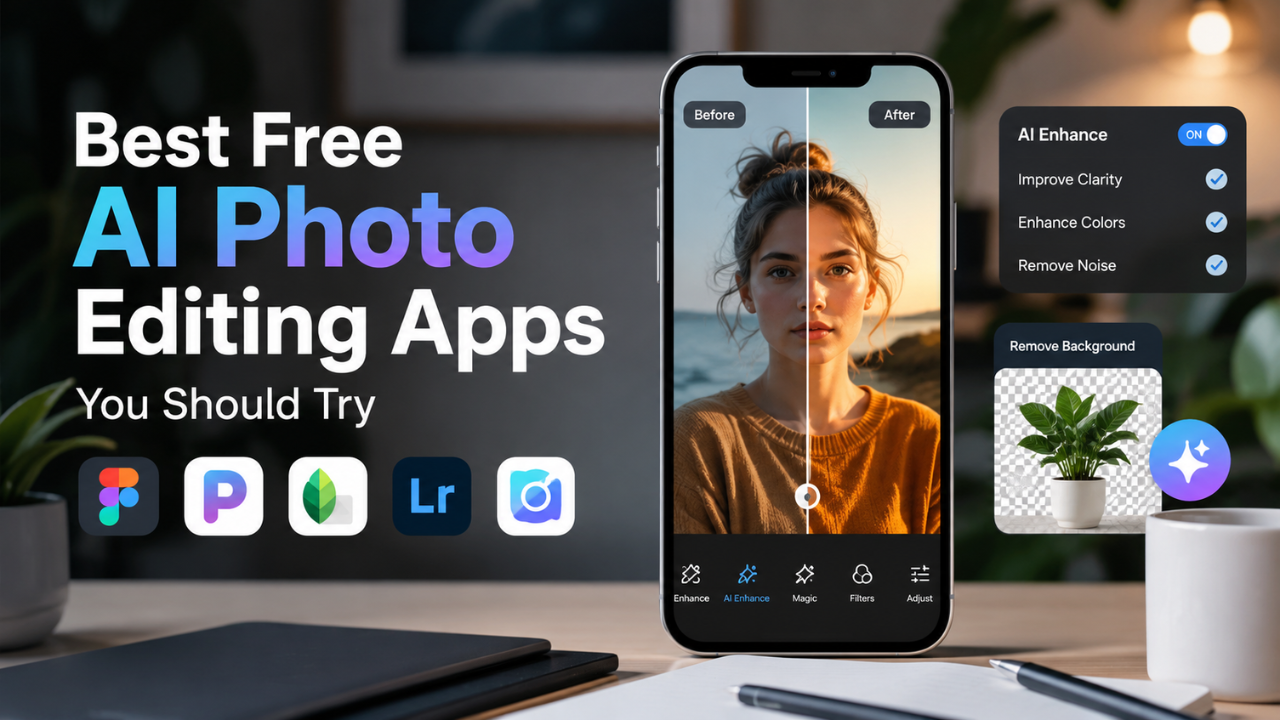
In today’s highly visual digital era, photos have become an essential part of everyday life, from social media and personal branding to professional projects. As a result, the ability to edit photos quickly and efficiently has become more important than ever.
Thanks to advances in artificial intelligence (AI), photo editing has become faster, more intuitive, and capable of producing outstanding image quality without requiring advanced design skills.
The Transformation of Photo Editing with AI Technology
The development of AI has revolutionized photo editing by introducing powerful automated features that were once only available to professional designers and photographers.
Today, users can easily remove backgrounds, enhance image resolution, adjust lighting, and apply artistic effects in just a few seconds.
AI-powered facial editing features can even perform natural-looking retouching while preserving authentic facial expressions.
The Advantages of Free AI Photo Editing Apps
In addition to premium software, many AI-powered photo editing applications are available for free while still offering impressive features. These apps enable anyone, including beginners, to edit photos with professional-quality results at no cost.
Besides being easy to use, many free applications provide creative filters, automatic image enhancement tools, and direct sharing options for social media platforms.
As a result, anyone can create aesthetic, high-quality photos without investing in expensive editing software.
Recommended AI Photo Editing Apps
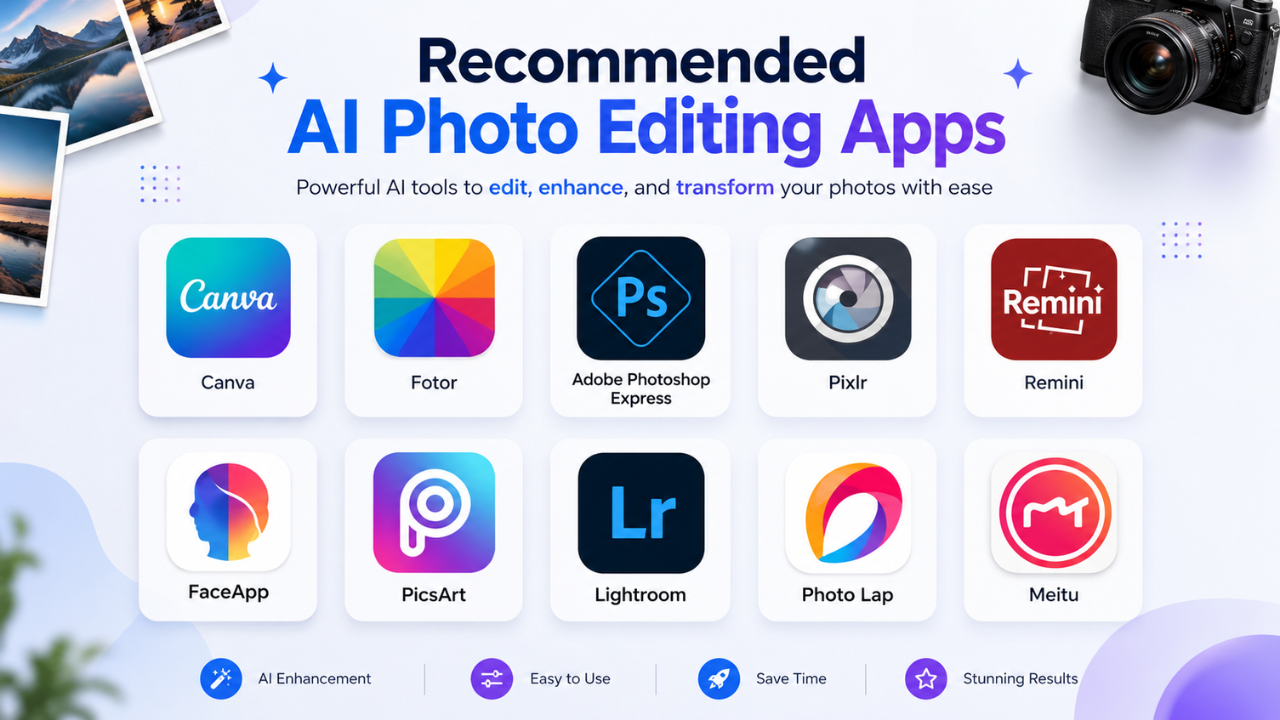
Here are some of the best free AI photo editing apps you should try. Each application offers its own unique strengths and features, allowing you to choose the one that best fits your needs.
1. Canva
Canva is one of the most popular photo editing applications with built-in AI features. With Canva, you can:
- Edit photos automatically using AI.
- Add effects, filters, and ready-to-use design elements.
- Create collages, posters, or social media content with ease.
Advantages:
- User-friendly interface.
- Thousands of free templates.
- Suitable for both beginners and professionals.
2. Fotor
Fotor is an AI-powered photo editing app that offers a variety of advanced features, including:
- AI Photo Enhancer for automatic image quality improvement.
- HDR effects and artistic filters.
- An object removal tool for unwanted elements.
Advantages:
- Natural and professional editing results.
- Free version with comprehensive features.
- Supports photo editing directly from mobile devices.
3. Adobe Photoshop Express
Adobe Photoshop Express is the lightweight version of Photoshop enhanced with AI technology. Its standout features include:
- Auto-Fix for instant photo enhancement.
- Creative effects and filters.
- Easy-to-use crop, rotate, and resize tools.
Advantages:
- Integration with Adobe Creative Cloud.
- Ideal for quick photo editing.
- Free with optional premium upgrades.
4. Pixlr
Pixlr is an AI photo editing application offering more than 600 effects and filters. Its key features include:
- AI Cutout for removing photo backgrounds.
- Double exposure and overlay effects.
- Face and skin retouching tools.
Advantages:
- Available on both web and mobile platforms.
- Free with a wide range of useful features.
- Great for creative photo editing.
5. Remini
Remini is an AI photo editing app focused on improving image quality, especially for old or blurry photos. Its main features include:
- AI Photo Enhancer for sharper images.
- Restoration of old photos into HD quality.
- Natural-looking face and skin enhancement.
Advantages:
- Outstanding image enhancement results.
- Ideal for restoring old photographs.
- Free version available with premium upgrade options.
6. FaceApp
FaceApp became widely popular for its realistic facial transformation capabilities. You can add a smile, change hairstyles, or even see how your face might look in the future.
Key Features:
- AI facial transformation filters.
- AI makeup effects.
- Facial expression editing.
Advantages:
- Natural-looking facial transformations.
- A wide variety of fun and unique effects.
7. PicsArt
PicsArt is an AI-powered photo editing application that offers a broad range of creative editing tools. With AI, users can remove objects, replace backgrounds, and apply advanced effects with just one click.
Key Features:
- Automatic object removal.
- AI-powered filters and effects.
- Collage creation and design templates.
Advantages:
- Comprehensive editing tools in one application.
- Active and creative user community.
8. Lightroom
Lightroom is a professional photo editing application that uses AI to improve image quality through precise color and lighting adjustments.
Key Features:
- Automatic color and lighting adjustments.
- AI presets for instant enhancements.
- Noise reduction and detail enhancement.
Advantages:
- Complete control over color and lighting.
- Suitable for photographers and professional editors.
9. Photo Lab
Photo Lab offers a variety of unique AI-powered photo effects, including artistic filters and creative photo montages.
Key Features:
- AI-generated artistic effects.
- Automatic photo montages.
- Unique and creative filters.
Advantages:
- Easy to use with fast results.
- Wide selection of creative effects.
10. Meitu
Meitu is a popular AI photo editing application in Asia, especially for enhancing selfies with automatic beauty retouching.
Key Features:
- Automatic facial retouching.
- Beauty filters.
- Cartoon and anime effects.
Advantages:
- Natural-looking editing results.
- A wide variety of attractive selfie filters.
Conclusion
AI has transformed photo editing by making advanced editing tools accessible to everyone, regardless of their level of experience. Whether you want to enhance selfies, restore old photographs, create eye-catching social media content, or edit professional images, these free AI photo editing apps offer powerful features that can help you achieve impressive results with minimal effort.
Each application has its own strengths, so choosing the right one depends on your editing needs and creative goals. Try several of the apps above to discover which one best fits your workflow and style.
With the right AI photo editing app, creating stunning, high-quality images has never been easier. Start exploring these tools today and take your photo editing skills to the next level.