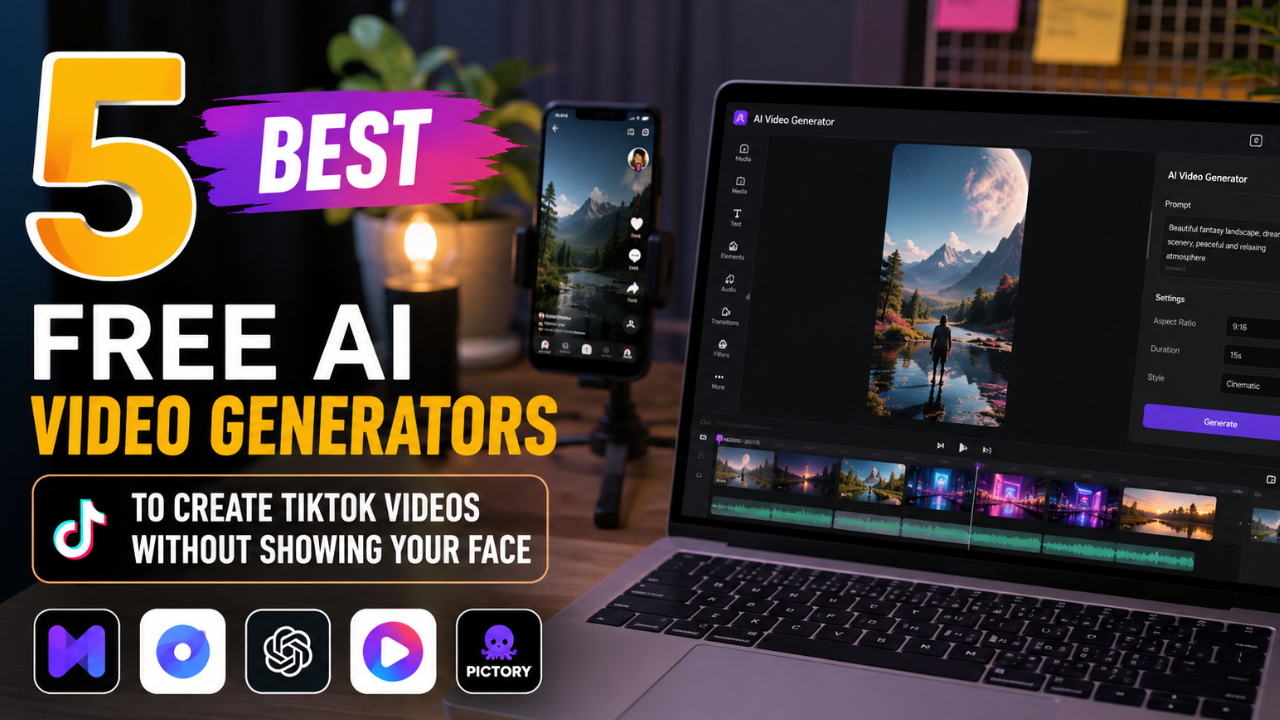
Looking for a free AI video generator to create TikTok content without recording your face? This guide reviews five beginner-friendly AI video tools, explains their strengths and limitations, and shows you how to create engaging faceless TikTok videos quickly using AI-powered features.
What Are Free AI Video Generators for Faceless TikTok Content?
Free AI video generators are online platforms that help creators produce videos using artificial intelligence instead of traditional filming methods. Depending on the tool, you can generate videos from text prompts, scripts, images, stock footage, or AI avatars, making them ideal for creators who prefer not to appear on camera.
Faceless TikTok content has become increasingly popular because it allows creators to focus on storytelling, tutorials, product showcases, educational videos, or entertainment without revealing their identity. AI tools can also speed up tasks such as voiceovers, subtitles, editing, transitions, and background music, helping creators publish more consistently.
It’s important to remember that while AI can automate parts of the production process, the most successful TikTok videos still rely on original ideas, useful information, and creative editing.
Main Benefits of Free AI Video Generators
- Create videos without appearing on camera.
- Save time with AI-assisted editing and automation.
- Reduce production costs by eliminating expensive equipment.
- Generate captions, voiceovers, and transitions automatically.
- Produce consistent content for daily TikTok uploads.
- Suitable for beginners with little editing experience.
- Support multiple content formats, including tutorials, reviews, and educational videos.
- Increase productivity by simplifying repetitive video creation tasks.
Complete Guide to Free AI Video Generators (Step-by-Step)
Step 1: Preparation
Before choosing an AI video generator, define your content strategy.
Prepare the following:
- A clear content niche
- A short script or content outline
- Brand colors and logo
- Royalty-free images or video clips (if needed)
- Background music
- Target audience profile
- Publishing schedule
Also, determine whether your videos will use AI narration, subtitles, stock footage, or animated visuals. Planning these elements in advance makes production faster and more consistent.
Step 2: The Main Process
Below are five popular AI video generators that offer free plans or free features suitable for creating faceless TikTok content.
1. CapCut AI
CapCut includes AI-powered features such as automatic captions, text-to-speech, AI script assistance, background removal, and smart editing tools.
Best for:
- TikTok creators
- Short-form videos
- Beginners
Pros
- Easy to use
- Mobile and desktop support
- Excellent subtitle generation
- Fast editing workflow
Limitations
- Some advanced AI features require a premium subscription.
2. Canva AI Video
Canva combines video editing with AI-powered design tools, templates, animations, and Magic Design features.
Best for:
- Educational videos
- Marketing content
- Social media promotions
Pros
- User-friendly interface
- Large template library
- Easy brand customization
Limitations
- Certain premium assets are available only with Canva Pro.
3. InVideo AI
InVideo AI can generate complete videos from simple text prompts, including visuals, narration, and transitions.
Best for:
- Blog-to-video conversion
- Product promotions
- Explainer videos
Pros
- Fast video generation
- Extensive stock media library
- AI-assisted scripting
Limitations
- Free exports may include watermarks.
4. Pika
Pika specializes in generating creative AI videos from text and image prompts.
Best for:
- Animated visuals
- Creative storytelling
- AI-generated scenes
Pros
- High-quality AI animation
- Simple prompt-based workflow
- Frequent feature updates
Limitations
- Generation speed may vary depending on demand.
5. LTX Studio
LTX Studio helps creators transform scripts into storyboard-driven videos with AI-assisted scene planning.
Best for:
- Narrative content
- Educational videos
- Storytelling
Pros
- AI storyboard generation
- Consistent visual flow
- Collaborative editing features
Limitations
- Some advanced capabilities are limited to paid plans.
Step 3: Result & Evaluation
After publishing your TikTok videos, review your analytics to identify what works best.
Monitor:
- Video views
- Average watch time
- Audience retention
- Engagement rate
- Shares
- Comments
- Profile visits
- Follower growth
If a video underperforms, experiment with different hooks, captions, editing styles, or thumbnail covers. Small improvements in the opening seconds can significantly increase viewer retention.
Comparison Table / Data Summary
| AI Video Generator | Free Plan | Best For | Ease of Use | Ideal Content |
|---|---|---|---|---|
| CapCut AI | Yes | TikTok editing | Very Easy | Short-form videos |
| Canva AI Video | Yes | Marketing & education | Easy | Social media content |
| InVideo AI | Yes | Text-to-video | Easy | Explainer videos |
| Pika | Yes | AI animation | Medium | Creative storytelling |
| LTX Studio | Yes | Script-based production | Medium | Educational and narrative videos |
Additional Tips for Maximum Results
- Focus on creating strong hooks within the first three seconds to capture attention before viewers scroll away.
- Combine AI-generated visuals with original editing and storytelling to create unique, engaging content.
- Use vertical 9:16 formatting and clear subtitles to improve the mobile viewing experience.
- Publish consistently and review your analytics regularly to refine your content strategy based on audience behavior.
Frequently Asked Questions (FAQ)
1. Can I monetize TikTok videos created with AI?
Yes. AI-generated videos can be monetized if they comply with TikTok’s policies and provide original, valuable content rather than low-quality or repetitive material.
2. Do I need video editing experience to use AI video generators?
No. Most AI video generators are designed for beginners and include templates, drag-and-drop editors, and automated features that simplify the production process.
3. Which free AI video generator is best for beginners?
CapCut AI and Canva AI Video are excellent starting points because they offer intuitive interfaces, helpful templates, and essential editing tools with free plans.
Conclusion & Call to Action
Free AI video generators make it easier than ever to create engaging TikTok videos without recording your face. By choosing the right tool, planning your content carefully, and adding your own creativity, you can produce professional-looking videos while saving time and reducing production costs.
If you found this guide useful, share it with fellow creators and explore our other tutorials on AI content creation, TikTok growth strategies, YouTube automation, and social media marketing to continue improving your content creation workflow.