Artificial Intelligence (AI) can automate repetitive tasks, improve decision-making, and save hours every week. Whether you’re a freelancer, employee, entrepreneur, or student, learning how to use AI effectively can dramatically boost your productivity and help you accomplish more in less time.
What is AI for Work Productivity?
AI for work productivity refers to using artificial intelligence tools to automate, simplify, and enhance daily work activities. Instead of spending hours writing emails, organizing files, researching information, or analyzing data, AI can complete many of these tasks within seconds.
Modern AI tools are designed to work alongside humans rather than replace them. They help reduce repetitive work, improve accuracy, generate creative ideas, and allow professionals to focus on high-value tasks that require critical thinking and decision-making.
Today, AI is used across almost every industry—from marketing and software development to education, finance, customer service, and content creation. As AI technology continues to evolve, learning how to integrate it into your workflow has become a valuable professional skill.
Main Benefits of AI for Work Productivity
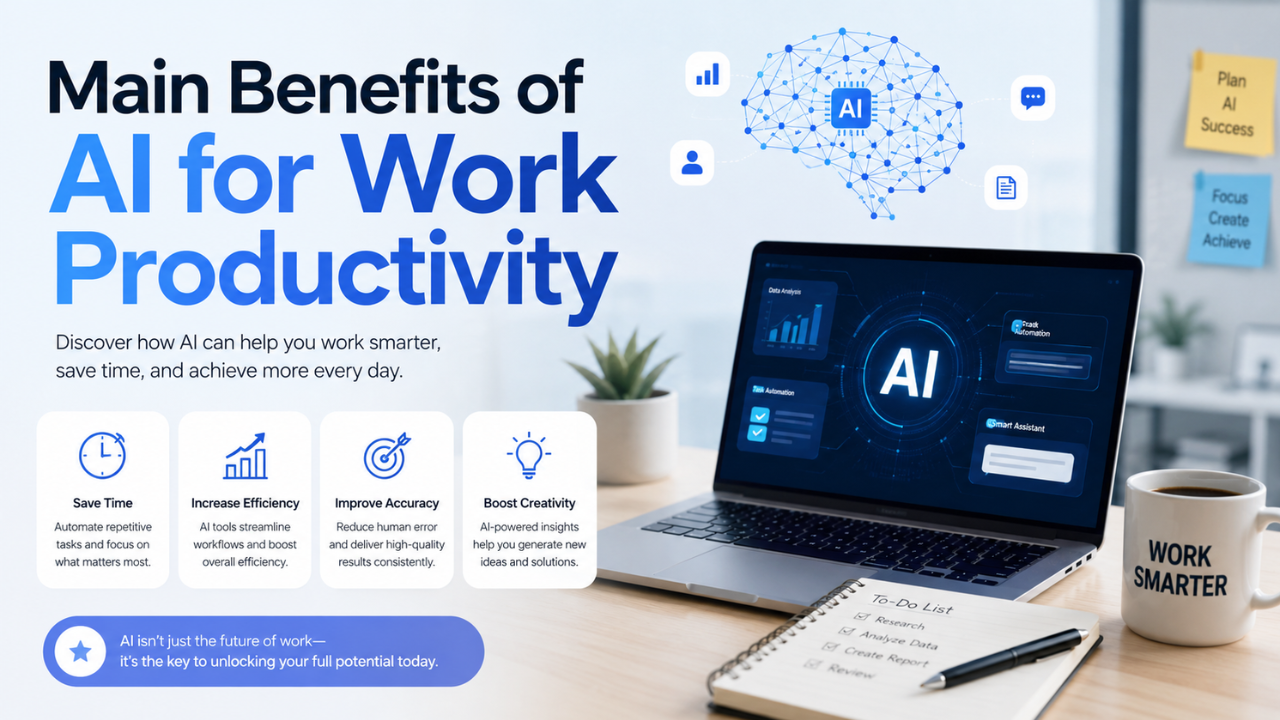 Using AI strategically offers significant advantages for individuals and businesses alike.
- Automates repetitive tasks, reducing manual effort.
- Saves valuable time by completing routine work within seconds.
- Improves writing quality for emails, reports, and presentations.
- Generates ideas quickly for brainstorming sessions.
- Enhances research speed by summarizing large amounts of information.
- Supports better decision-making through data analysis.
- Reduces human error in repetitive processes.
- Improves collaboration with automated meeting notes and task management.
- Increases overall efficiency, allowing more focus on strategic work.
- Scales productivity without significantly increasing workload.
Complete Guide to AI for Work Productivity (Step-by-Step)
Preparation
Before using AI, identify where most of your time is currently spent.
Ask yourself:
- Which tasks do I repeat every day?
- Which activities consume the most time?
- What work could be automated?
- Which tasks require creativity instead of manual repetition?
Typical tasks suitable for AI include:
- Email drafting
- Document summarization
- Meeting transcription
- Data organization
- Content writing
- Research
- Spreadsheet analysis
- Translation
- Image generation
- Presentation creation
After identifying repetitive tasks, choose AI tools that specifically solve those problems rather than trying every available platform.
The Main Process
1. Automate Writing Tasks
AI can help write:
- Professional emails
- Reports
- Blog articles
- Product descriptions
- Meeting summaries
- Documentation
Instead of starting from a blank page, provide AI with clear instructions and edit the generated content to match your style.
2. Speed Up Research
Research often takes several hours.
AI can:
- Summarize articles
- Compare multiple sources
- Explain difficult concepts
- Organize information
- Generate quick outlines
Always verify important information before using it in professional work.
3. Manage Daily Tasks
AI assistants can organize:
- Daily schedules
- Task prioritization
- To-do lists
- Calendar planning
- Project timelines
This reduces mental workload and helps maintain focus throughout the day.
4. Analyze Data Faster
Instead of manually reviewing spreadsheets, AI can:
- Detect trends
- Create summaries
- Generate charts
- Explain numerical patterns
- Suggest improvements
Business owners can quickly identify sales opportunities and operational issues using AI-powered analytics.
5. Improve Team Communication
Many AI tools assist with collaboration by:
- Recording meetings
- Creating automatic meeting notes
- Translating conversations
- Writing follow-up emails
- Assigning action items
This helps teams spend less time documenting discussions and more time executing tasks.
6. Enhance Creative Work
Creative professionals use AI for:
- Brainstorming
- Content ideas
- Marketing campaigns
- Graphic concepts
- Video scripting
- Social media planning
Rather than replacing creativity, AI accelerates the ideation process.
7. Build Personal Workflows
The most productive professionals don’t use AI for everything—they create workflows.
Example workflow:
- AI generates ideas.
- AI creates a draft.
- Human reviews and edits.
- AI improves grammar.
- Human publishes the final version.
This combination delivers both speed and quality.
Result & Evaluation
After using AI consistently for several weeks, evaluate your progress.
Measure improvements such as:
- Hours saved per week
- Faster project completion
- Higher work quality
- Reduced repetitive workload
- Increased output
- Better work-life balance
Keep refining your workflow by identifying new automation opportunities and eliminating unnecessary manual steps.
Remember that productivity isn’t about working longer—it’s about producing better results with less wasted effort.
| Traditional Workflow | AI-Assisted Workflow |
|---|---|
| Manual writing | AI-assisted drafting with human editing |
| Hours of research | Quick AI summaries and source organization |
| Manual scheduling | AI-generated task prioritization |
| Handwritten meeting notes | Automatic meeting transcription |
| Manual data analysis | AI-powered insights and trend detection |
| Slow brainstorming | Instant idea generation |
| High repetitive workload | Automated routine tasks |
| Lower efficiency | Faster, smarter workflows |
Additional Tips for Maximum Results
1. Write Better Prompts
The quality of AI output depends heavily on your instructions. Be specific about your goal, audience, tone, format, and desired outcome.
2. Keep the Human Touch
AI should support your expertise—not replace it. Always review, edit, and personalize AI-generated content before publishing or sharing it.
3. Protect Sensitive Information
Avoid entering confidential company data, customer information, passwords, or proprietary documents into AI tools unless you’re using an approved, secure enterprise solution.
4. Continue Learning
AI evolves rapidly. Regularly explore new features, workflows, and tools to stay ahead and continuously improve your productivity.
Frequently Asked Questions (FAQ)
What is the best way to start using AI for productivity?
Begin by automating one repetitive task, such as email writing or document summarization, before expanding AI into other parts of your workflow.
Can AI completely replace human workers?
No. AI excels at repetitive and data-driven tasks, while humans remain essential for critical thinking, creativity, emotional intelligence, and complex decision-making.
How much productivity improvement can AI realistically provide?
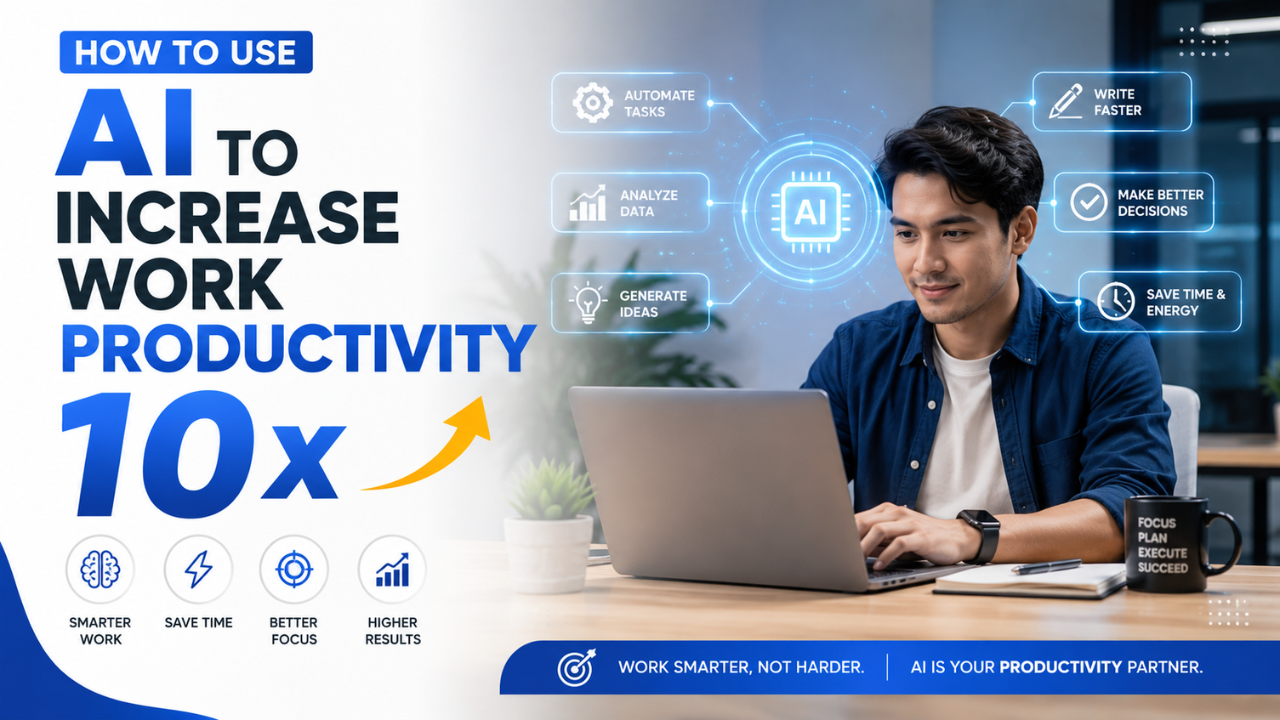
The exact improvement depends on your role and workflow. Many users report saving several hours each week, while highly repetitive jobs may experience substantially greater efficiency gains. The “10x” figure is best viewed as an aspirational goal rather than a guaranteed outcome.
Conclusion & Call to Action
AI has become one of the most effective tools for increasing workplace productivity by automating repetitive tasks, accelerating research, improving communication, and supporting better decision-making. The greatest benefits come from combining AI’s speed with human judgment and expertise.
If you found this guide helpful, share it with colleagues or friends who want to work more efficiently. You can also explore our other AI productivity guides to discover practical tools, workflows, and automation strategies that help you save time and achieve more every day.