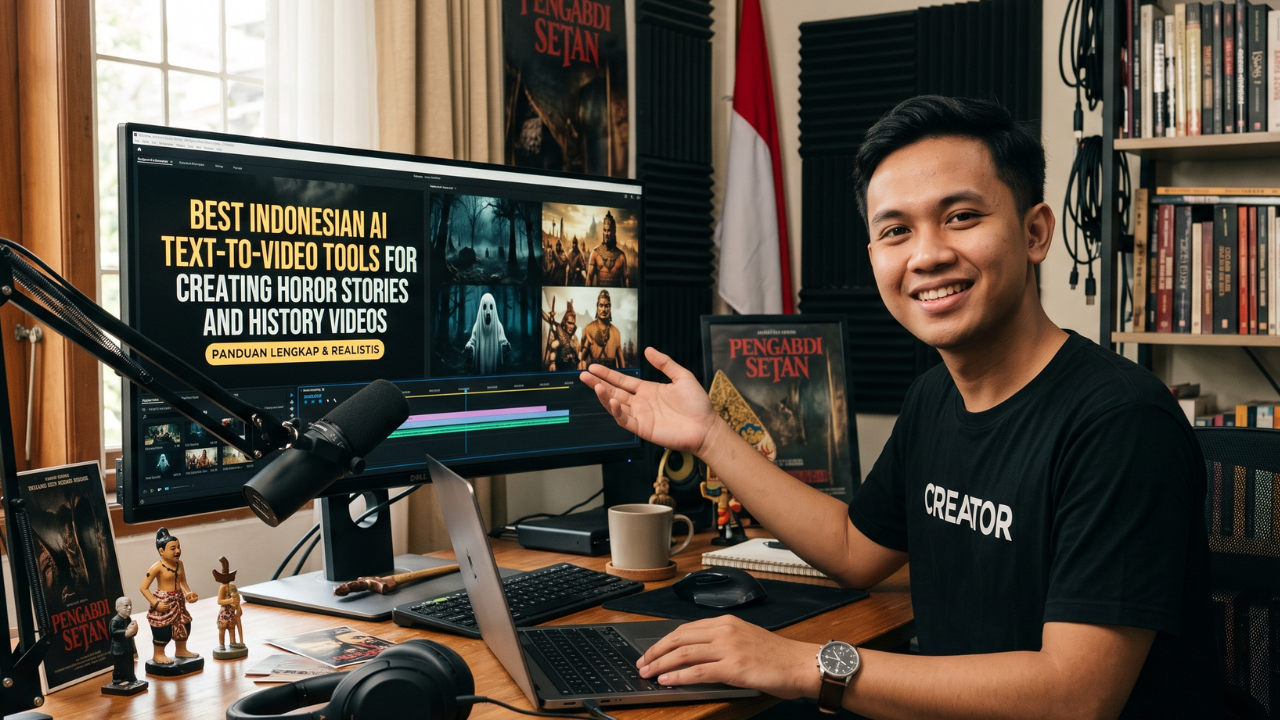
Looking for the best Indonesian AI text-to-video tools? This guide explores the top AI platforms for transforming written scripts into engaging horror and history videos with natural Indonesian narration, cinematic visuals, and efficient editing workflows for YouTube, TikTok, and other social media platforms.
What Are Indonesian AI Text-to-Video Tools?
AI text-to-video tools are software platforms that automatically convert written text into videos by combining artificial intelligence with visual generation, voice synthesis, animations, subtitles, and editing features. Instead of recording footage manually, creators simply provide a script, and the AI helps produce a ready-to-edit video.
For Indonesian creators, choosing a platform that supports Bahasa Indonesia is especially valuable. Natural pronunciation, accurate subtitles, and localized voices make videos more engaging and easier for local audiences to understand.
These tools are particularly useful for storytelling channels focused on horror, historical events, folklore, mysteries, documentaries, educational content, and short-form videos.
Although AI significantly speeds up production, creators should still verify historical facts, avoid misleading information, and add original storytelling to produce high-quality content.
Main Benefits of Indonesian AI Text-to-Video Tools
- Create videos without recording yourself.
- Generate content more quickly using AI-assisted workflows.
- Support Indonesian-language scripts and narration.
- Reduce production costs by minimizing the need for cameras and studios.
- Produce videos for YouTube, TikTok, Instagram Reels, and Facebook.
- Add automatic subtitles for better accessibility.
- Customize visuals, transitions, and voiceovers.
- Scale content production while maintaining consistency.
Complete Guide to Indonesian AI Text-to-Video Tools (Step-by-Step)
Step 1: Preparation
Before selecting an AI platform, prepare a structured script and define the style of your video.
For horror stories:
- Build suspense gradually.
- Use descriptive but concise narration.
- Organize the story into clear scenes.
- Plan background music and sound effects.
For history content:
- Verify dates, locations, and historical figures.
- Gather supporting references.
- Organize events chronologically.
- Identify maps, archival images, or illustrations that can strengthen the narrative.
Also decide on the desired video length, target audience, and publishing platform before beginning production.
Step 2: The Main Process
Below are several AI text-to-video tools that support or can be adapted for Indonesian-language content and are suitable for storytelling.
1. InVideo AI
InVideo AI transforms text prompts into complete videos with stock footage, transitions, subtitles, and AI-generated narration.
Best for:
- Historical documentaries
- Educational explainers
- Story-based YouTube videos
Strengths
- Fast text-to-video generation
- Extensive media library
- Easy customization
Limitations
- Some advanced exports require a paid plan.
2. Pika
Pika focuses on AI-generated visuals and animated scenes created from text or image prompts.
Best for:
- Horror scenes
- Fantasy storytelling
- Creative cinematic effects
Strengths
- High-quality AI animations
- Prompt-based workflow
- Flexible creative style
Limitations
- Complex scenes may require multiple generations.
3. LTX Studio
LTX Studio helps transform scripts into storyboard-based videos with scene planning and AI-assisted editing.
Best for:
- Historical storytelling
- Educational series
- Narrative-driven YouTube channels
Strengths
- Structured storyboards
- Consistent visual flow
- Collaborative editing
Limitations
- Advanced features may be limited on free plans.
4. CapCut AI
CapCut includes AI-powered tools such as automatic captions, text-to-speech, script assistance, and smart editing.
Best for:
- TikTok horror stories
- YouTube Shorts
- Instagram Reels
Strengths
- Beginner-friendly
- Fast editing
- Strong mobile support
Limitations
- Some AI features are available only to premium users.
5. Canva AI Video
Canva combines AI-assisted design, templates, and simple video editing in one platform.
Best for:
- Educational history videos
- Social media storytelling
- Presentation-style content
Strengths
- Easy drag-and-drop interface
- Professional templates
- Brand customization
Limitations
- Premium assets require Canva Pro.
Step 3: Result & Evaluation
Once your video is published, evaluate its performance using analytics rather than relying on assumptions.
Key metrics to monitor include:
- Average watch time
- Audience retention
- Click-through rate (CTR)
- Shares
- Comments
- Saves
- Subscriber or follower growth
For horror videos, pay close attention to where viewers stop watching. If many viewers leave during the introduction, consider shortening the setup and reaching the central conflict more quickly.
For history videos, review comments to identify recurring questions or requests. These can inspire future content while helping you address topics your audience genuinely wants to learn about.
Continue refining your scripts, pacing, visuals, and narration based on audience feedback and performance data.
Comparison Table / Data Summary
| AI Tool | Indonesian Support | Best Use Case | Ease of Use | Ideal Platform |
|---|---|---|---|---|
| InVideo AI | Yes (voice options vary) | Documentaries & explainers | Easy | YouTube |
| Pika | Prompt-based | Horror & cinematic storytelling | Medium | YouTube Shorts |
| LTX Studio | Script-based | Historical narratives | Medium | YouTube |
| CapCut AI | Strong subtitle support | Short-form storytelling | Very Easy | TikTok & Reels |
| Canva AI Video | Template-based | Educational videos | Easy | Social media |
Additional Tips for Maximum Results
- Combine AI-generated visuals with original editing, sound design, and storytelling to create distinctive content rather than relying entirely on automated output.
- For history videos, verify facts using reliable historical references before publishing. Accuracy builds trust and supports long-term audience growth.
- For horror content, use sound effects, lighting, and pacing strategically. Suspense often comes from timing rather than excessive visual effects.
- Keep your branding consistent by using recognizable thumbnails, typography, and color schemes across all videos.
Frequently Asked Questions (FAQ)
1. Can AI generate videos entirely in Bahasa Indonesia?
Many AI video platforms support Indonesian text, subtitles, and voiceovers, although voice quality and language features vary between services.
2. Are AI-generated history videos eligible for monetization?
Yes, provided they contain original narration, meaningful editing, accurate information, and comply with the monetization policies of the platform where they are published.
3. Which AI tool is best for horror storytelling?
The best choice depends on your workflow. Tools that offer cinematic visuals and flexible editing are often better suited for horror, while platforms with efficient subtitle and narration features are ideal for short-form storytelling.
Conclusion & Call to Action
Indonesian AI text-to-video tools make it easier than ever to transform written ideas into compelling horror stories and educational history videos without a traditional production setup. By combining AI-powered efficiency with careful research, creative storytelling, and thoughtful editing, you can produce engaging videos that resonate with your audience across multiple platforms.
If you found this guide helpful, share it with fellow creators and explore our related articles on AI video generators, YouTube automation, TikTok content strategies, AI voice tools, and storytelling techniques to continue improving your content creation workflow.