Looking for aesthetic PowerPoint templates for college presentations? These 10 websites offer professionally designed PPT templates that help students create visually appealing slides, save time, and deliver more engaging presentations for free or at affordable prices.
What Are Aesthetic PowerPoint Template Websites?
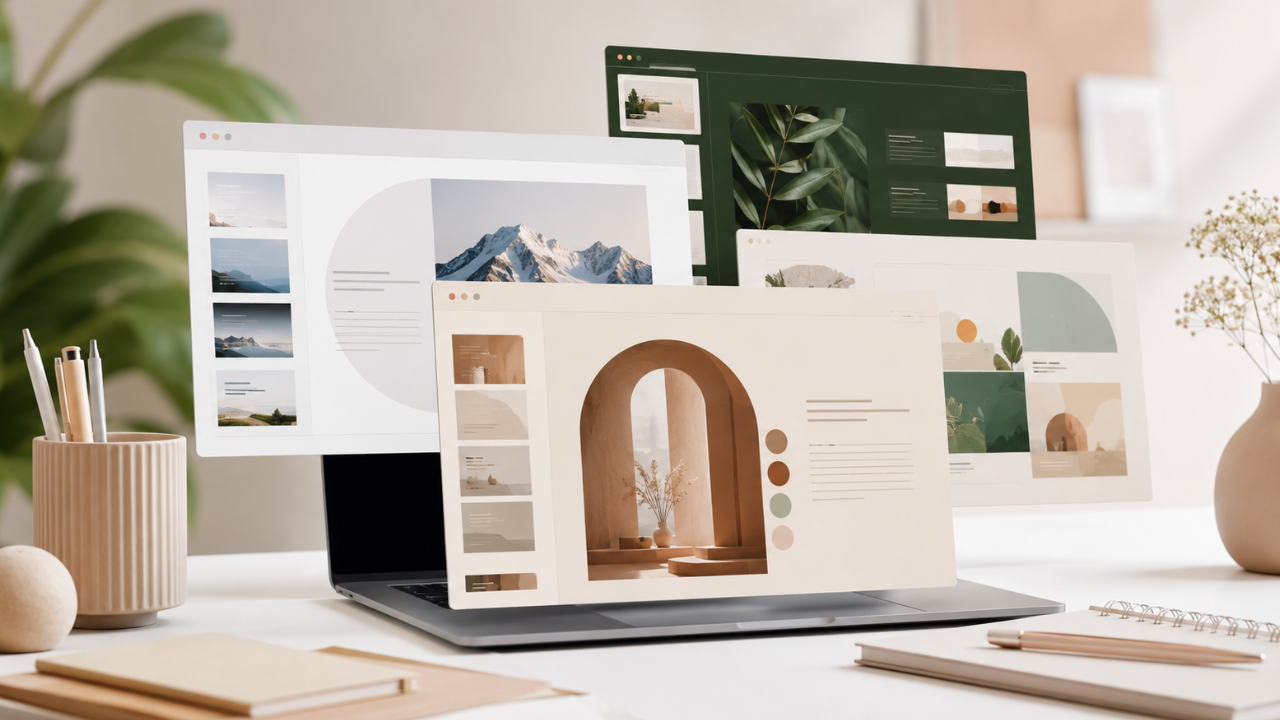
Aesthetic PowerPoint template websites are online platforms that provide professionally designed presentation templates featuring modern layouts, attractive color palettes, elegant typography, and creative visual elements. Instead of building slides from scratch, students can customize ready-made templates to create polished presentations in minutes.
Whether you’re presenting a research project, thesis proposal, business plan, or classroom assignment, using a well-designed PowerPoint template helps communicate your ideas more effectively while leaving a strong impression on your audience.
Today, many websites offer free and premium templates compatible with Microsoft PowerPoint, Google Slides, Canva, and other presentation software.
Main Benefits of Aesthetic PowerPoint Templates
Using professionally designed presentation templates offers several advantages for students and professionals alike.
Key Benefits
- Save hours of presentation design time.
- Create professional-looking slides with minimal effort.
- Improve audience engagement through better visual design.
- Maintain consistent layouts across every slide.
- Access modern color schemes and typography.
- Compatible with PowerPoint and Google Slides.
- Suitable for academic, business, and creative presentations.
- Many websites provide free downloads.
- Easy to customize with your own content.
- Enhance confidence during presentations.
Complete Guide to Finding the Best Aesthetic PowerPoint Templates
Before downloading a presentation template, determine your needs by asking a few questions:
- Is the presentation for school or university?
- Do you need a formal or creative design?
- Will you use Microsoft PowerPoint or Google Slides?
- Are free templates enough, or do you need premium features?
- Does the template support charts, infographics, and animations?
Answering these questions helps you choose a template that matches your presentation goals.
The Main Process
Here are 10 of the best websites to find aesthetic PowerPoint templates for students.
1. Canva
Canva offers thousands of beautifully designed presentation templates that are easy to customize using a drag-and-drop editor. Students can collaborate with classmates, add animations, and present directly from their browser.
Best for: Beginners and collaborative projects.
2. Slidesgo
Slidesgo provides a wide collection of free PowerPoint and Google Slides templates designed for education, business, marketing, and creative presentations.
Best for: University assignments and classroom presentations.
3. SlidesCarnival
SlidesCarnival is well known for its clean, modern, and minimalist templates. Many designs are completely free and optimized for professional presentations.
Best for: Formal academic presentations.
4. Microsoft Create
Microsoft Create offers official PowerPoint templates developed specifically for Microsoft Office users. Templates are polished, reliable, and fully compatible with PowerPoint features.
Best for: Microsoft PowerPoint users.
5. PresentationGO
PresentationGO features hundreds of free PowerPoint templates, icons, diagrams, and infographics suitable for educational and business presentations.
Best for: Data-driven presentations.
6. Envato Elements
Envato Elements provides premium PowerPoint templates with unlimited downloads through a subscription. The templates feature modern layouts, animations, and high-quality graphics.
Best for: Professional presentations and advanced users.
7. GraphicRiver
GraphicRiver allows users to purchase individual presentation templates instead of paying for a monthly subscription.
Best for: One-time premium purchases.
8. PoweredTemplate
PoweredTemplate offers thousands of PowerPoint templates covering education, healthcare, technology, finance, and many other industries.
Best for: Specialized presentation topics.
9. Visme
Visme combines presentation design with data visualization tools, making it easy to create visually appealing reports and academic presentations.
Best for: Infographics and statistics.
10. Pitch
Pitch is a modern presentation platform focused on team collaboration. It offers stylish templates and real-time editing features that are ideal for group projects.
Best for: Collaborative presentations.
Result & Evaluation
After downloading a template, review your presentation before presenting.
Check the following:
- Readability of text
- Font consistency
- Image quality
- Color contrast
- Animation usage
- Slide transitions
- Mobile compatibility
- Presentation timing
A well-designed template should enhance your content rather than distract from it.
| Website | Free Templates | Premium Option | Google Slides | PowerPoint | Best For |
|---|---|---|---|---|---|
| Canva | ✅ | ✅ | ✅ | ✅ | Easy editing |
| Slidesgo | ✅ | ✅ | ✅ | ✅ | Education |
| SlidesCarnival | ✅ | ❌ | ✅ | ✅ | Academic use |
| Microsoft Create | ✅ | ❌ | ❌ | ✅ | Official PowerPoint |
| PresentationGO | ✅ | ❌ | Limited | ✅ | Charts & diagrams |
| Envato Elements | ❌ | ✅ | Limited | ✅ | Premium designs |
| GraphicRiver | ❌ | Pay per item | Limited | ✅ | Individual purchases |
| PoweredTemplate | ✅ | ✅ | Limited | ✅ | Large template library |
| Visme | ✅ | ✅ | Web-based | Export | Infographics |
| Pitch | ✅ | ✅ | Web-based | Export | Team collaboration |
Additional Tips for Maximum Results
To create presentations that stand out, keep these best practices in mind:
- Choose a clean template with plenty of white space instead of overcrowded designs.
- Use high-quality icons and images that support your message.
- Stick to one or two fonts throughout the presentation for a consistent look.
- Limit animations and transitions to maintain a professional appearance.
Frequently Asked Questions (FAQ)
Which website offers the best free PowerPoint templates for students?
Slidesgo, Canva, and SlidesCarnival are among the most popular choices because they provide high-quality templates that are free, easy to customize, and suitable for academic presentations.
Can I use these templates with Google Slides?
Yes. Most websites, including Canva, Slidesgo, and SlidesCarnival, provide templates compatible with Google Slides and Microsoft PowerPoint.
Are premium presentation templates worth paying for?
Premium templates often include more advanced layouts, animations, icons, and design elements. They are a good investment if you regularly create professional or business presentations.
Conclusion & Call to Action
Using an aesthetic PowerPoint template can significantly improve the quality of your presentations while saving valuable time. Whether you’re preparing for a university assignment, a classroom project, or a business pitch, the right template helps you communicate your ideas with confidence and professionalism.
If you found this guide useful, share it with your classmates or colleagues, and explore more productivity tips, free templates, and digital resources on Soxvo to make every presentation more effective.